You are probably on an Android phone. The “Routing table” has several columns (Time, TWS, TWD, TWA, SOG, COG, Stamina, Sail) and on a small screen they do not all fit if the system font is large.
Reduce the font size in the Android settings, then open the table again. You open it from the routing’s row, in the Routings tab of the left pane.
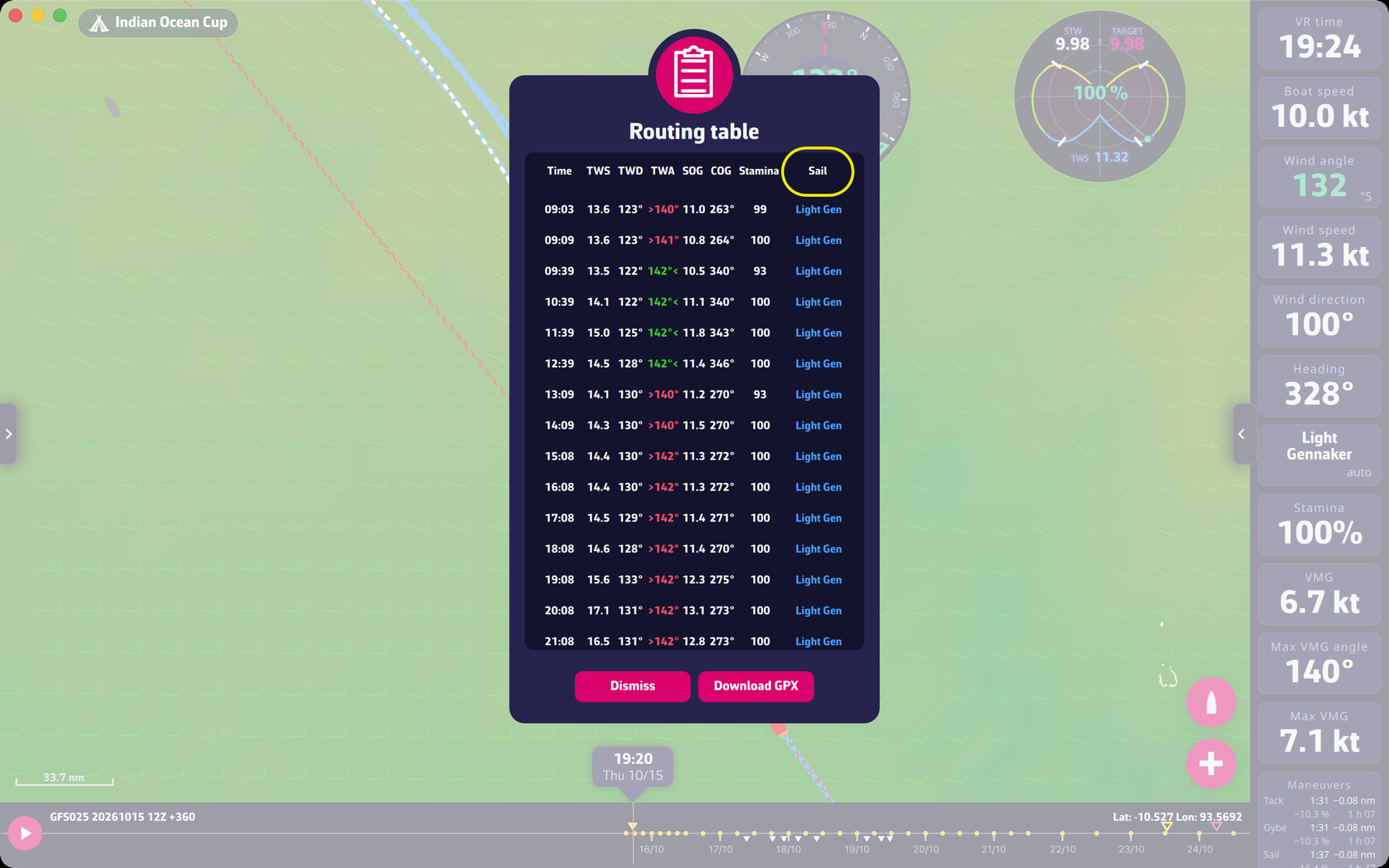
To understand the columns, see “What are these abbreviations in the routing table?” in this FAQ.
To go further: Routing.