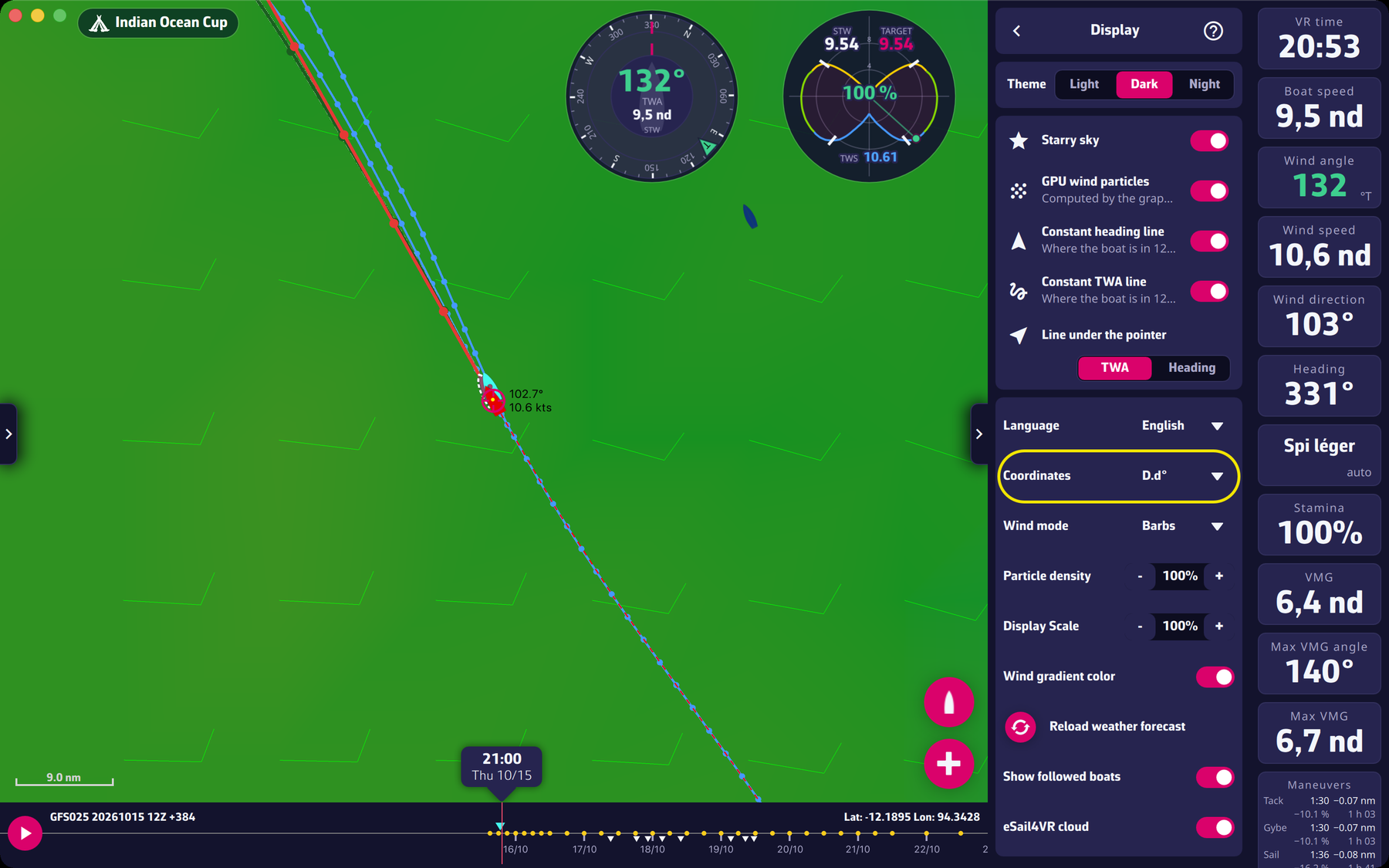
Set the coordinates to degrees, minutes, seconds to match those of Virtual Regatta: in Settings > Display, choose “D°M’S.s’” in “Coordinates” (the other choices are “D.d°” and “D°M.m’”).
Please note: don’t be fooled by the white lines symbolizing the course. They are only there to look pretty, and they are not the same in the two applications, as the VR one isn’t sent to us.
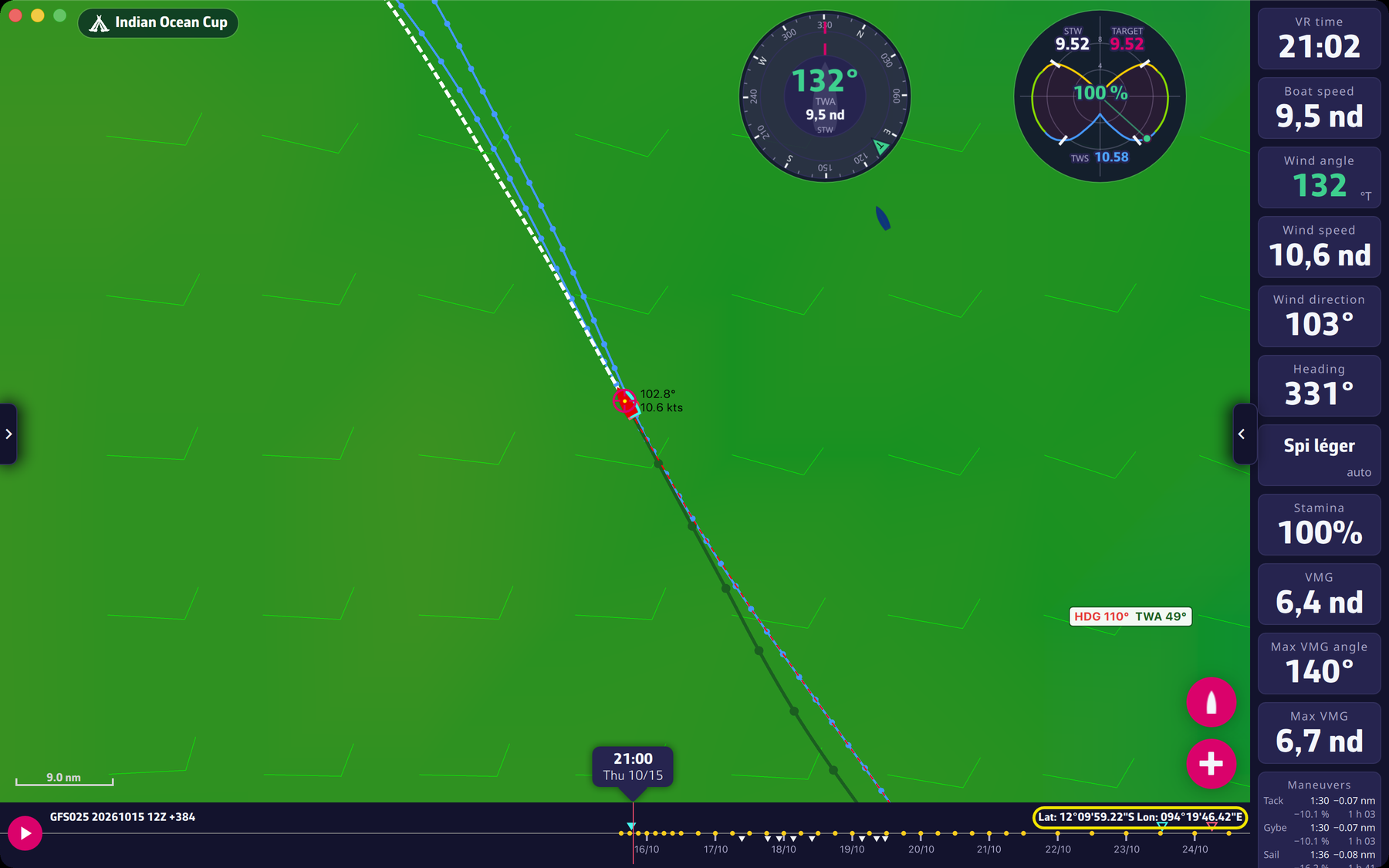
To compare your position, simply tap or click on your boat in both applications and read the respective coordinates, as shown below:
To go further: Settings.