To make sure orders are sent with recent data, the application takes the age of the routing into account, that is the time elapsed since the boat position used for the calculation. The send button is on the routing’s row, in the Routings tab of the left pane, and only exists for your own routings.
- Less than 12 minutes: sending works normally.
- From 12 minutes: a message warns you: “The boat position used to calculate this routing is N min old. The boat has moved since: we advise you to calculate the routing again. Send the orders to VR anyway?” (in Expert mode: “Open the orders dialog anyway?”). You can confirm or refuse.
- From 22 minutes: the send button is no longer displayed on the routing’s row.
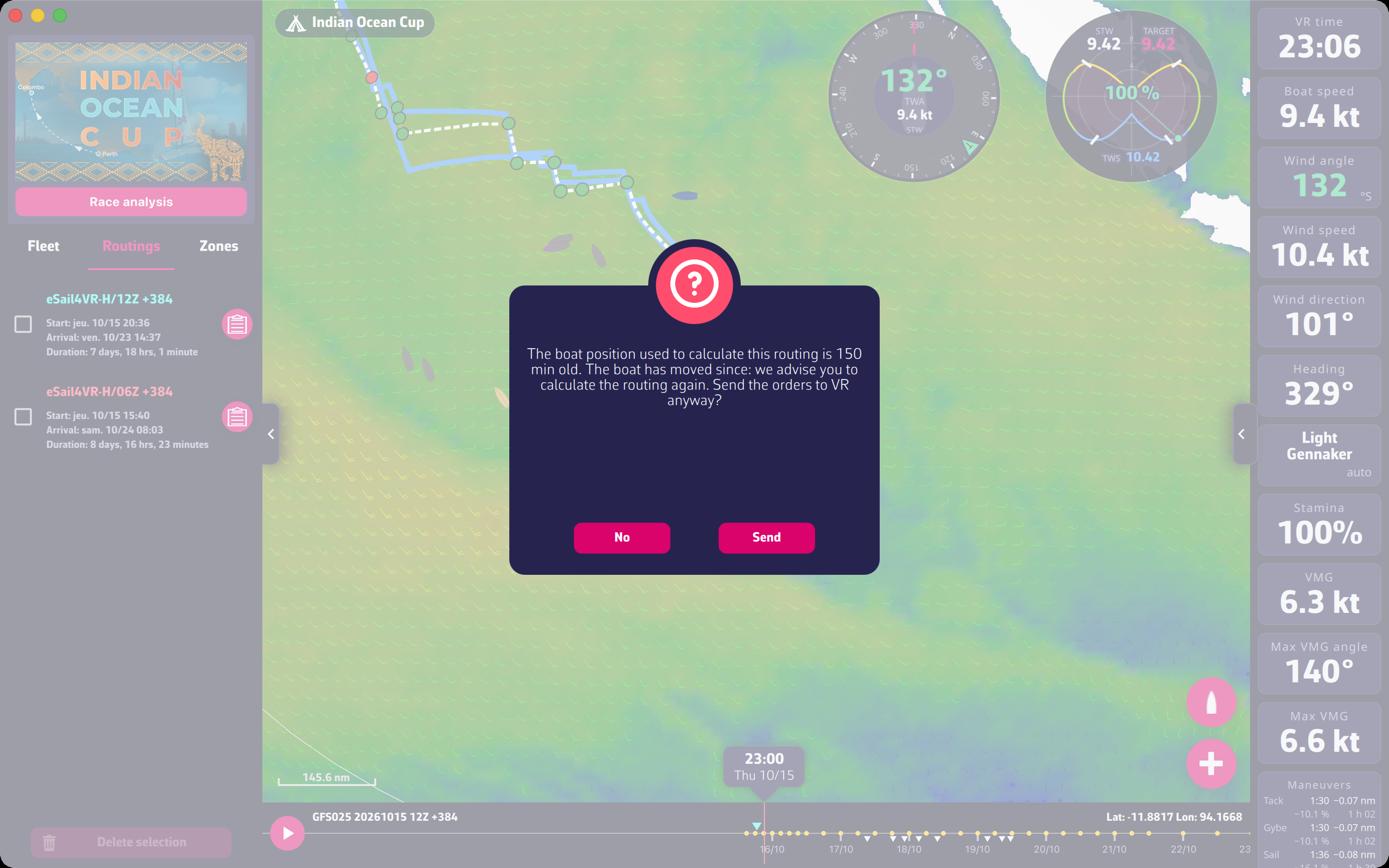
In any case, calculate a new routing and everything will be back to normal.
To go further: Orders.