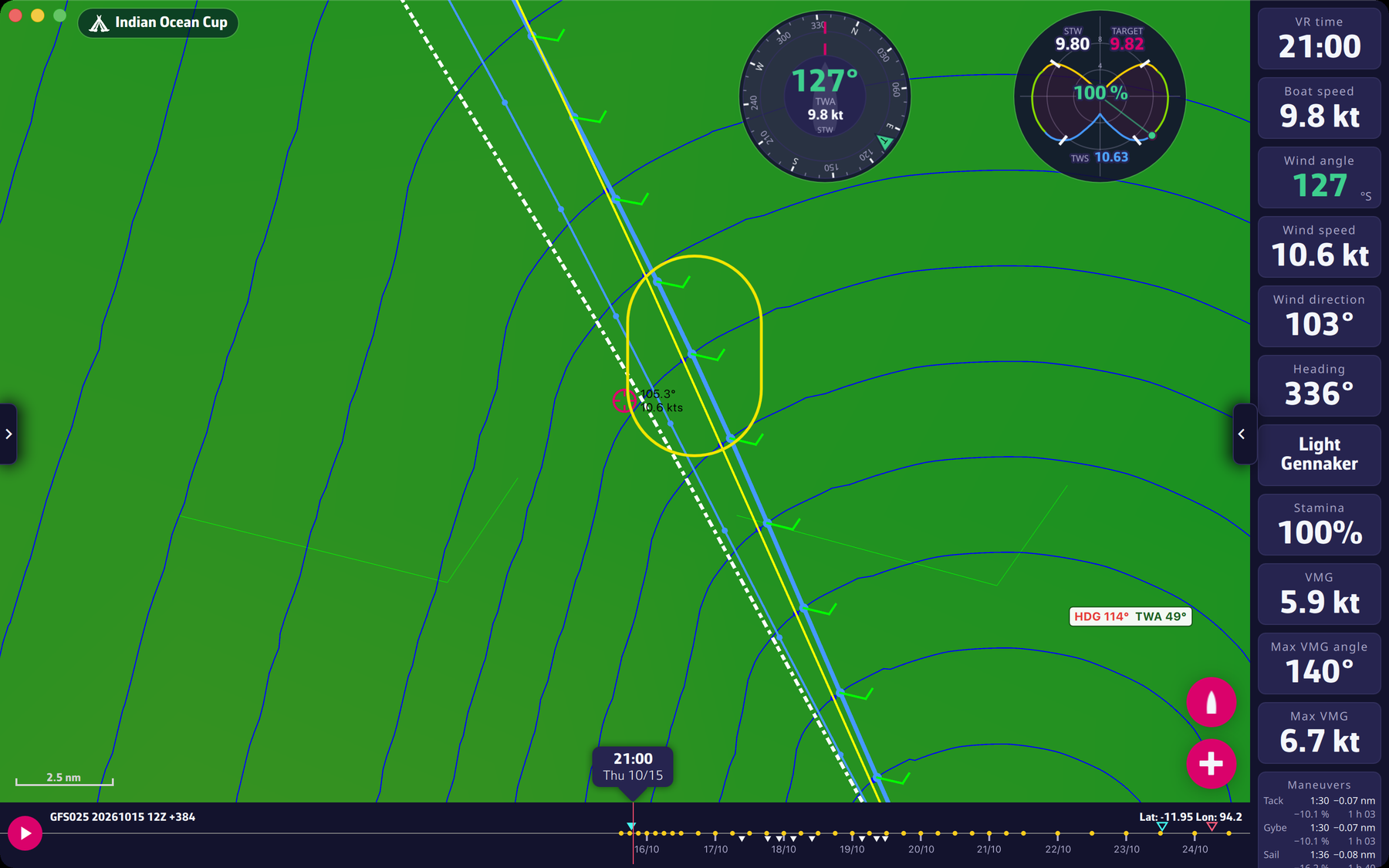
When you select a routing in the Routings tab of the left pane, its isochrones (the blue lines joining the points reachable at the same moment) are drawn on the map. They are only displayed with “Expert mode” turned on (Settings > Routing, reserved for Premium subscribers).
On each isochrone, a blue dot indicates the point closest to the target. This is very useful to place a pivot point wisely. In this case, we’ll give priority to ranking up to this isochrone.
For example, if the best routing is very far from the direct route, it is recommended to make a second routing with a pivot point passing through one of these blue dots. If the second routing is very close in time to the first, it’s often a good idea to follow it.
Read in the blog: Ces isochrones qui nous agacent les neurones (in French).
To go further: Routing and Expert mode.