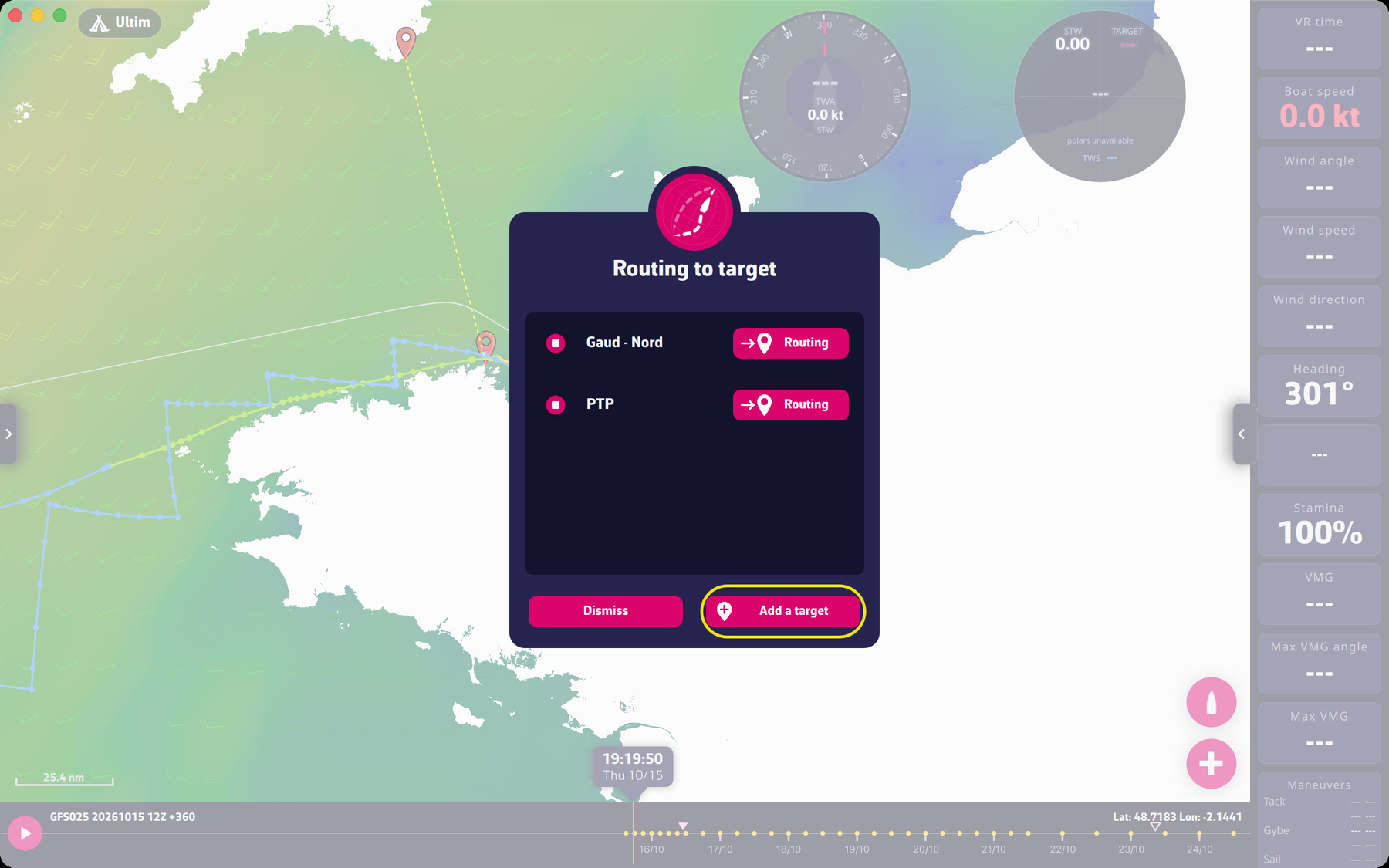
The red “+” button (bottom right of the map) opens the “Routing to target” window. It lists your targets, with a “Routing” button next to each one, and offers “Add a target” to create a new one.
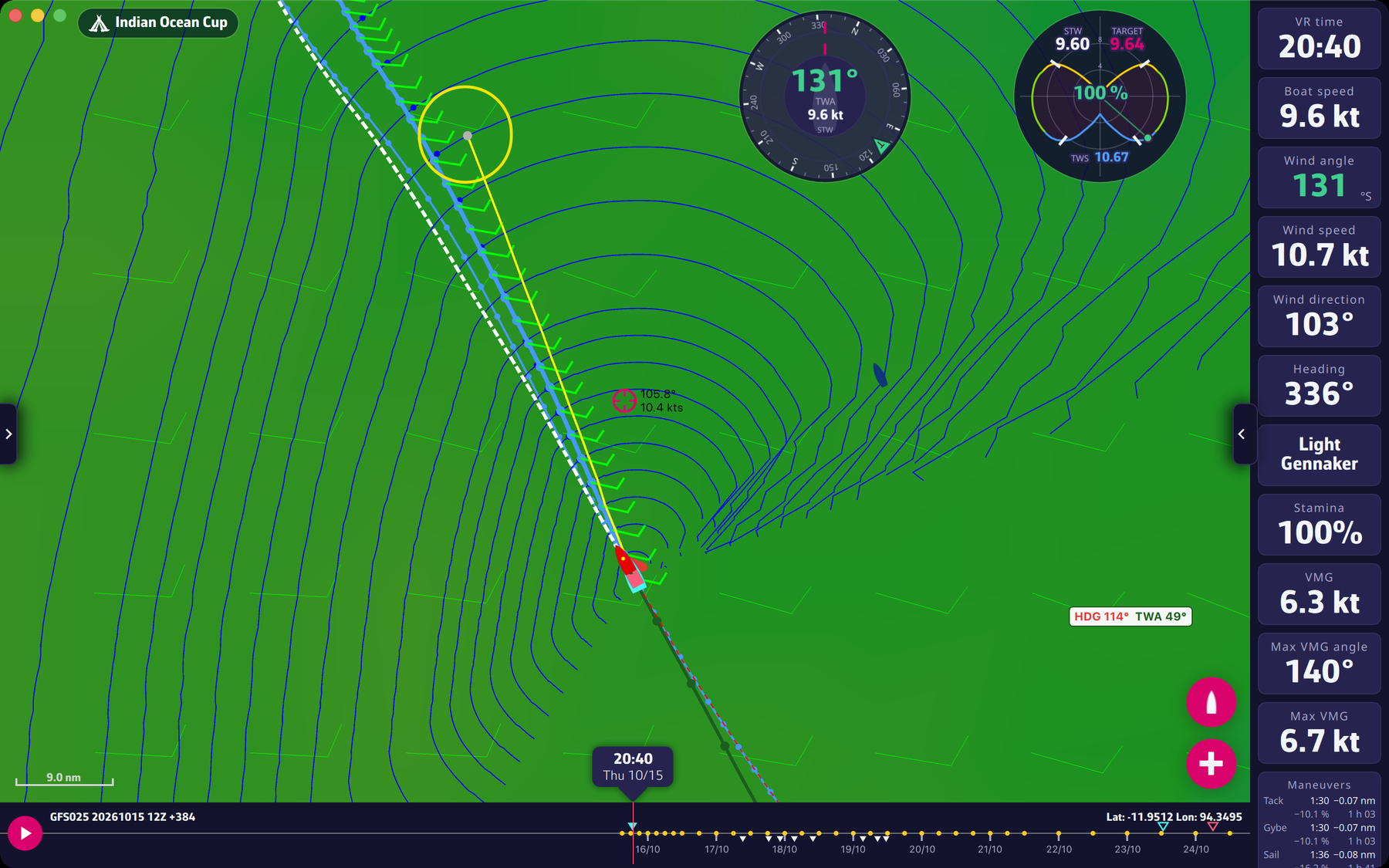
If a routing is selected and its isochrones are displayed (Expert mode), moving the map displays the yellow line that lets you position a pivot point to modify the course of your routing. On a touch screen, the “+” button then starts from that pivot point, and the “Routing to target” window no longer offers “Add a target”: it only lists the existing targets and their “Routing” button. To create a target, move the center of the screen away from the isochrone so that the yellow line disappears, then open the window again. With a mouse, the “+” button always starts from the boat; the pivot point is started with a right-click.
To go further: Routing.