eSail4VR displays all the followed or friend boats that Virtual Regatta sends to it. Their list is in the “Fleet” tab of the left pane, under “Followed”. If you don’t see them, there may be several reasons:
- The setting is off. Check that “Show followed boats” is turned on in Settings > Display. It is on by default, so the application can hide the boats on the map.
- The time on your device is not exactly the same as VR. In this case you may also not receive your position or your boat data. Set the time on your device to automatic and relaunch the application.
- The network connection to the VR server is not working, or is working incorrectly. Check by changing network, for example from Wi-Fi to cellular. Otherwise, just wait.
- The connection to the VR server doesn’t work although your network works perfectly. Try reconnecting to your account by entering your login details again.
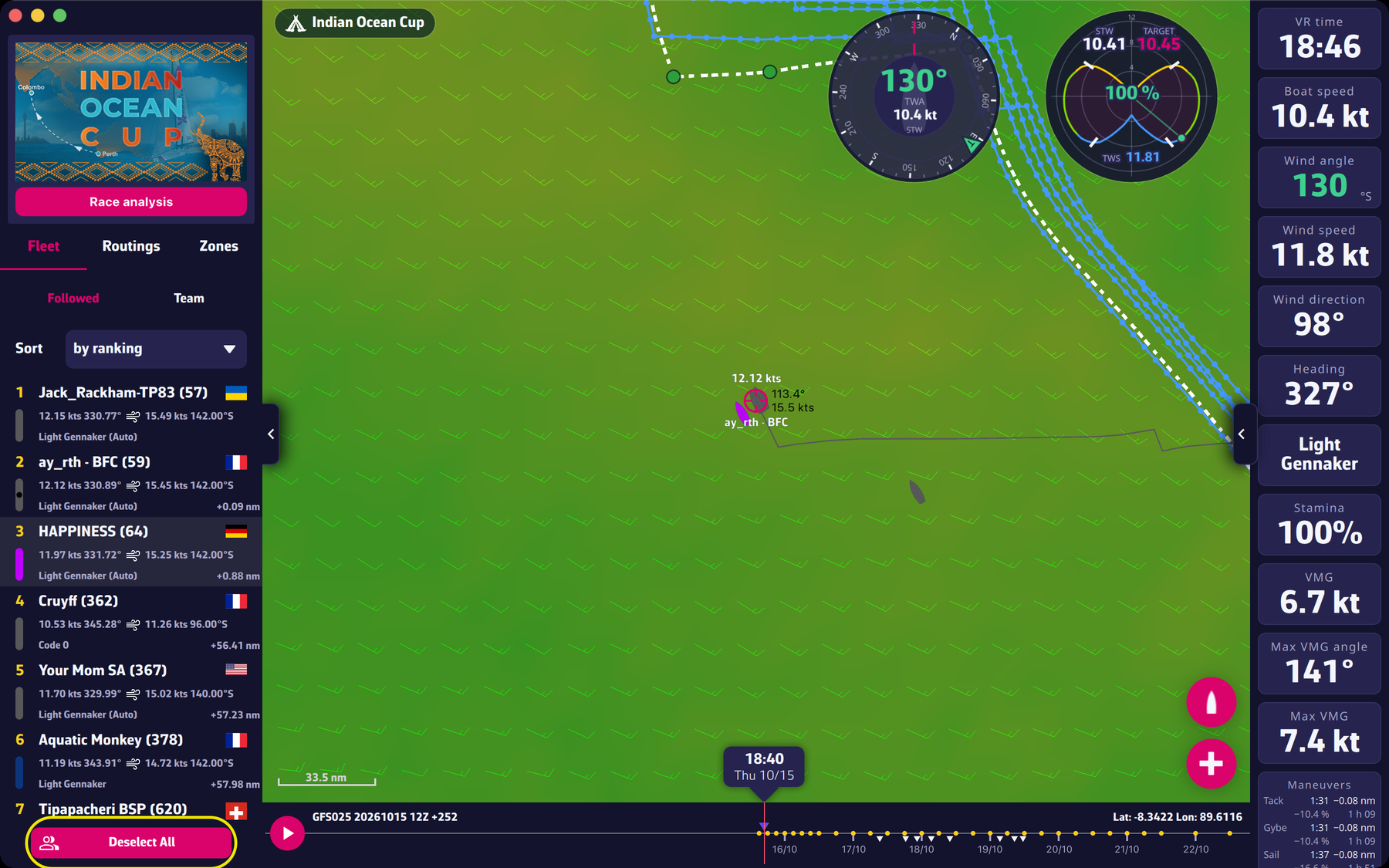
If the setting is on and the boats are still missing, it is useless to send us a message: the cause does not come from eSail4VR.
To go further: The race and the fleet.