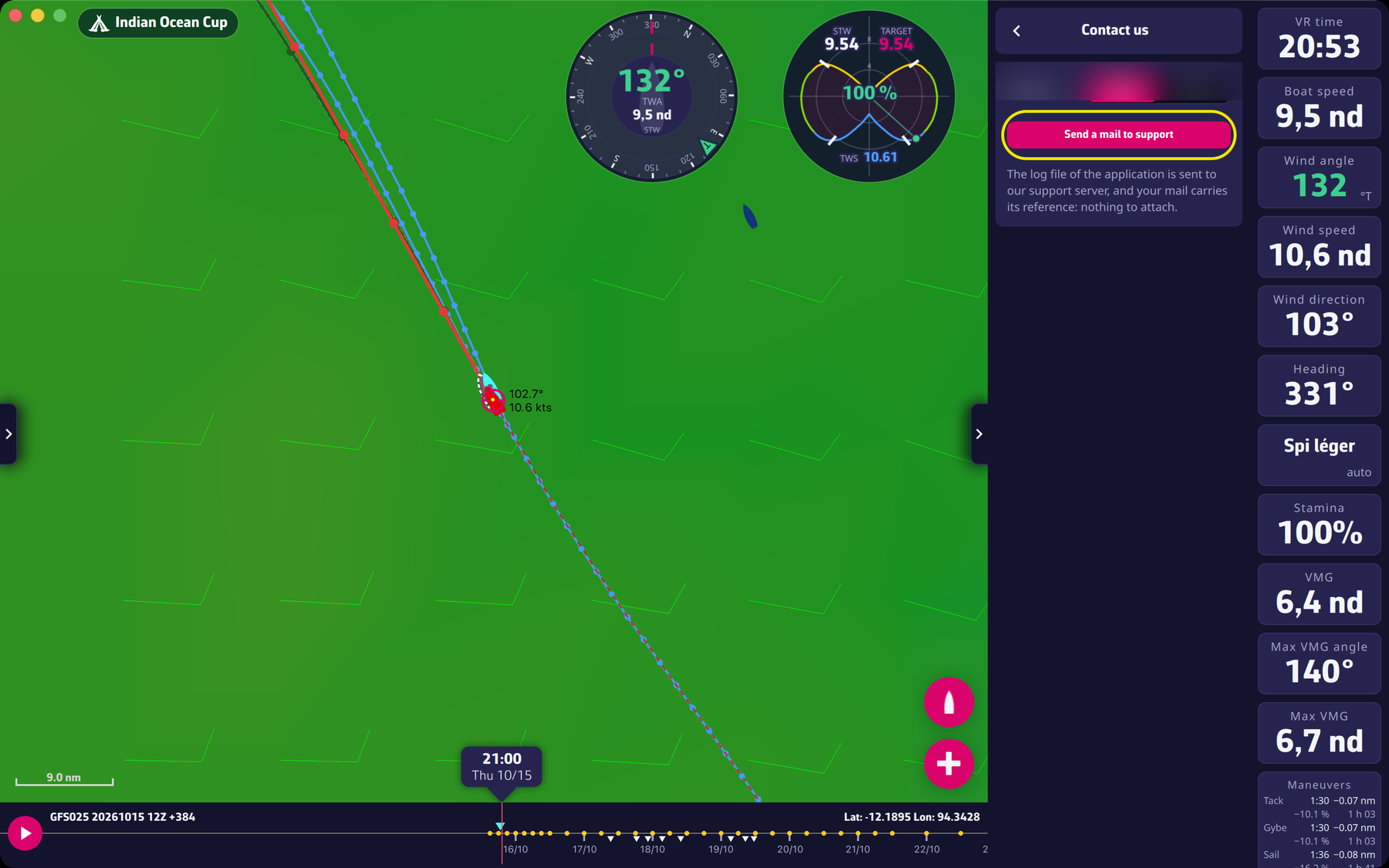
In the application, open the settings pane, then Contact us and tap “Send a mail to support”. The application log is sent automatically to our support server and your mail carries its reference: there is nothing to attach. On a computer, the “Method” selector lets you choose between “Mail” and “Gmail”.
You can also use the contact form on the website.
Before sending us a message, please have a look at our FAQ (also available in Settings > About > “Frequently asked questions”). You’ll probably find the answer to your question there 😉
To go further: Troubleshooting.