Solving a problem on a Windows PC can be complex, due to the variety of possible configurations. Here are some basic steps to check:
- Check the application version
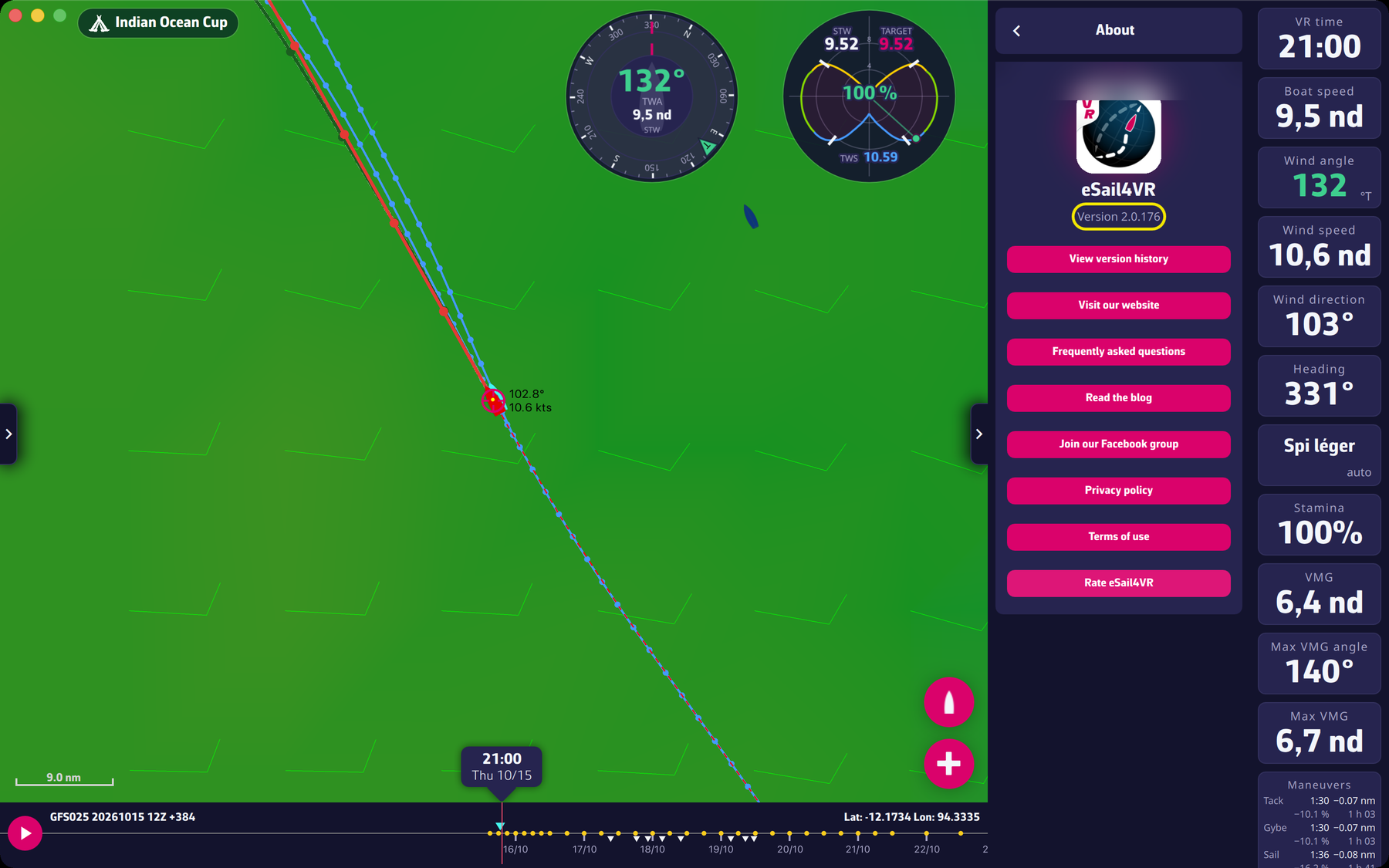
- Make sure you have the latest version of the application. Your version is shown in Settings > About, under “Version N” (with “View version history”). It is red if you have an older version. If you cannot open it, your version is very old.
- To update your application, follow this link and press the “Get it from Microsoft” button. The application may also offer “A new version is available. Would you like to update?”.
- Check the Windows version
- Your system must be Windows 10.0.17763 (version 1809) or later, 64 bits (x86_64). See the requirements in this FAQ for more details.
- Try another network
- If you’re connected to home Wi-Fi, try sharing a mobile connection, or vice versa.
- If you’re on a corporate network, make sure you’re not behind a firewall that may prevent the loading of some data (coastline, weather).
- If you use a VPN, disable it.
- Restart your PC
- Consult our Facebook users group
- Go to the eSail4VR users Facebook group to check whether other users have the same problem.
Finally, if these steps don’t solve the problem, it’s likely that your PC is not compatible, due to insufficient RAM or a graphics card that doesn’t meet the application’s requirements.
To go further: Troubleshooting.