Yes, it’s very useful for anticipating their route and keeping an eye on them. This function requires a valid subscription.
- On a touch device, such as a smartphone or tablet:
- Select a competitor with a short press on the map, or in the “Followed” list of the Fleet tab (the map automatically centers on the boat and its name appears).
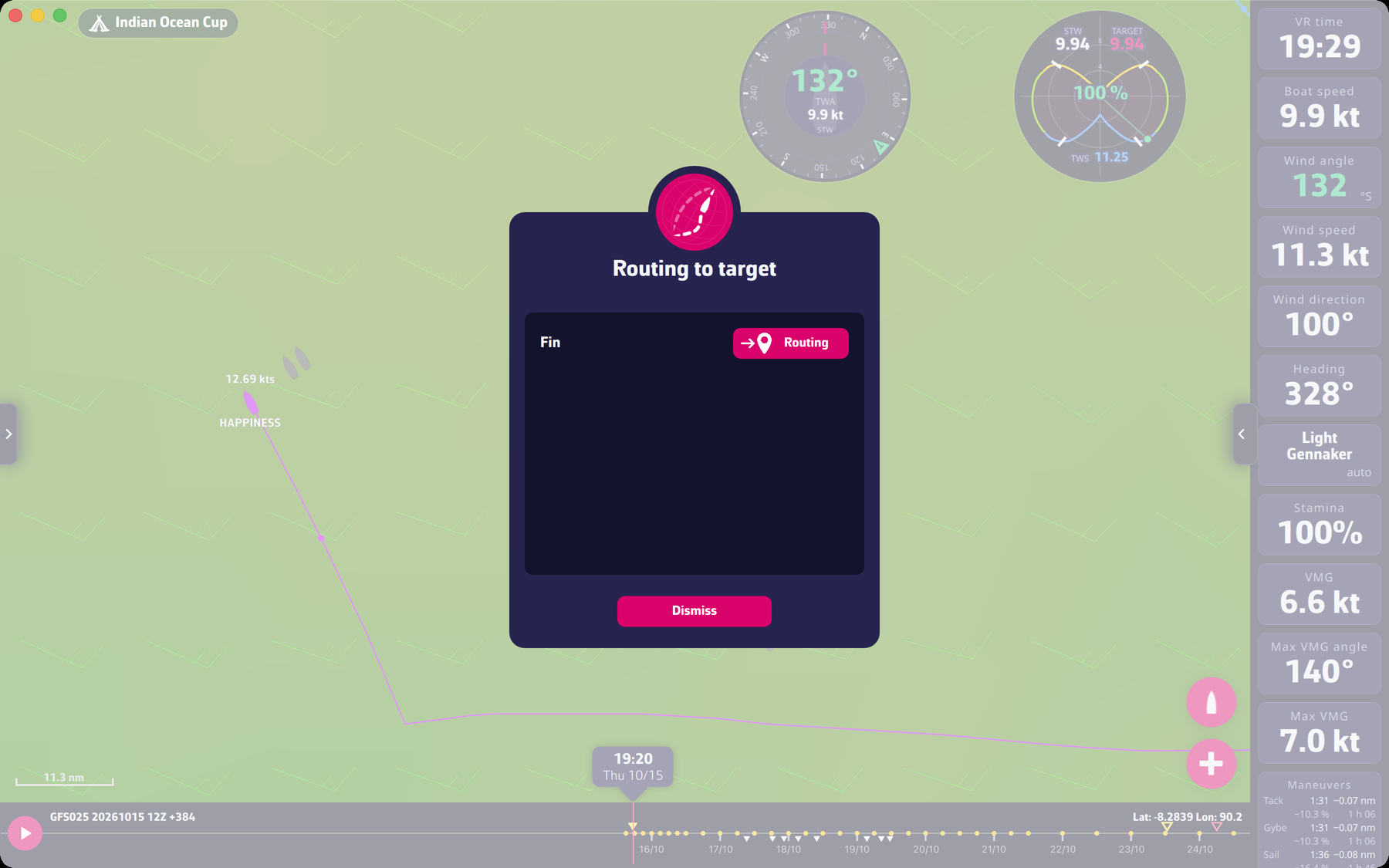
- Long press on the boat: the “Routing to target” window appears.
- Tap the “Routing” button next to the target you choose.
- On a computer with a mouse or a trackpad, such as a PC or Mac:
- Select a competitor by clicking on its boat on the map or in the Fleet tab. The boat’s name should appear on the map.
- Point your mouse at the selected competitor’s boat and right-click: the “Routing to target” window appears. Click “Routing” next to the chosen target.
To go further: The race and the fleet.