Routing with restricted zones presents new challenges, well known to offshore racers and in particular to those who have raced the Fastnet. The restriction zones in Virtual Regatta are:
- TSS: Traffic Separation Scheme
- CPZ: Special Cetacean Protection Zone
- BPZ: Biodiversity Protection Zone
- AEZ: Arctic / Antarctic Exclusion Zone
You might think that exclusion zones are simply islands. This is not quite the case because, unlike land, the winds are not slowed by these zones, and optimal routes often pass through them. What’s more, it’s sometimes necessary to zigzag between these zones, and routing algorithms have a hard time finding optimal routes.
If there are many restricted zones on the direct route, professional routers such as Jean-Yves Bernot recommend first performing a routing without the restricted zones, to understand what the optimal route would be without avoiding them, and then turning the restricted zones on to finalize the routing study. We often use pivot points or intermediate targets in the corners of these zones.
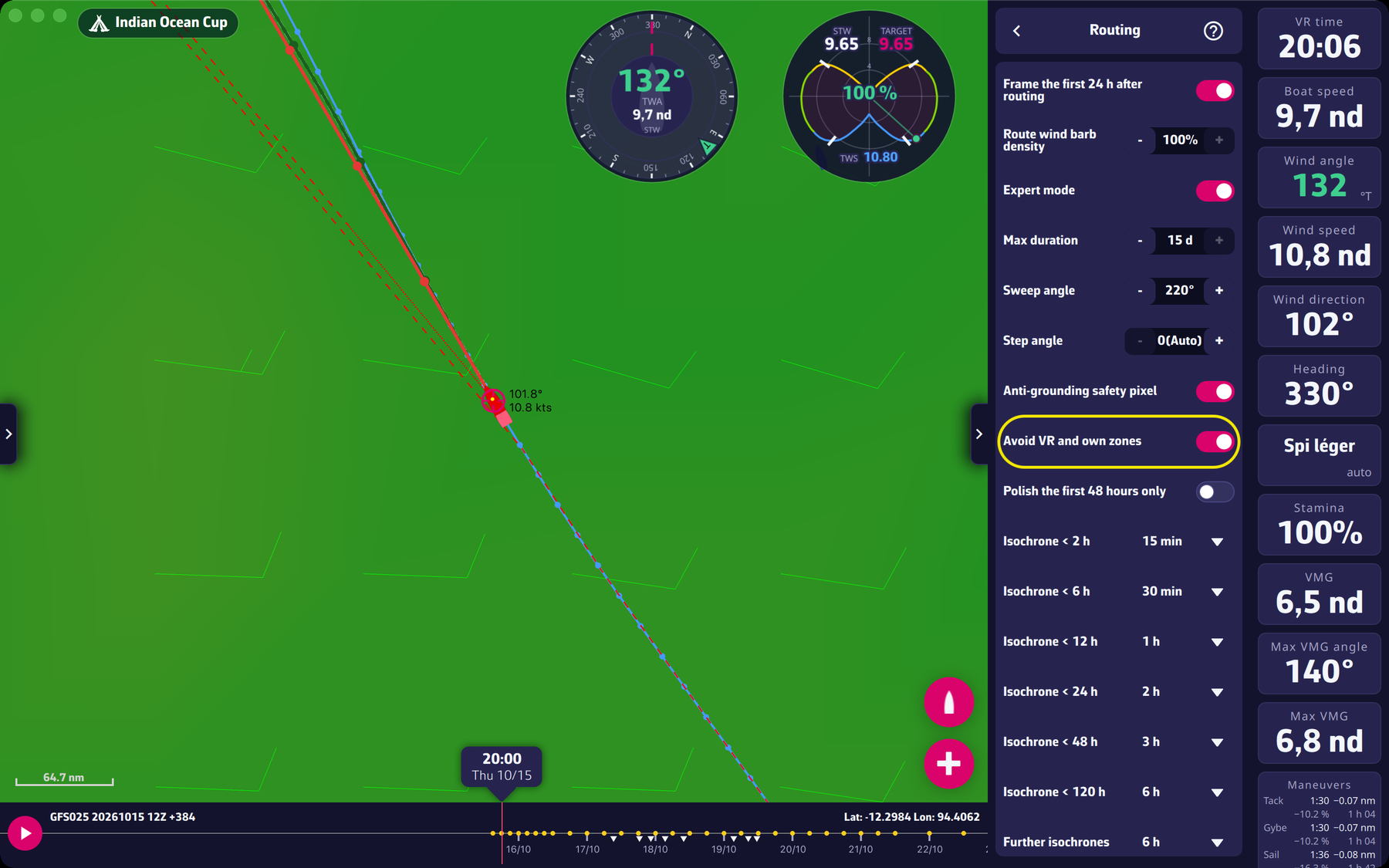
The “Avoid VR and own zones” setting
It is in Settings > Routing, among the Expert mode settings (reserved for Premium subscribers). It is on by default; without a subscription you cannot change it, so the default value stays in place. The Zones tab itself is not reserved for subscribers. When on, the routing goes around the VR restriction zones and your own exclusion zones, the ones you draw yourself in the Zones tab of the left pane.
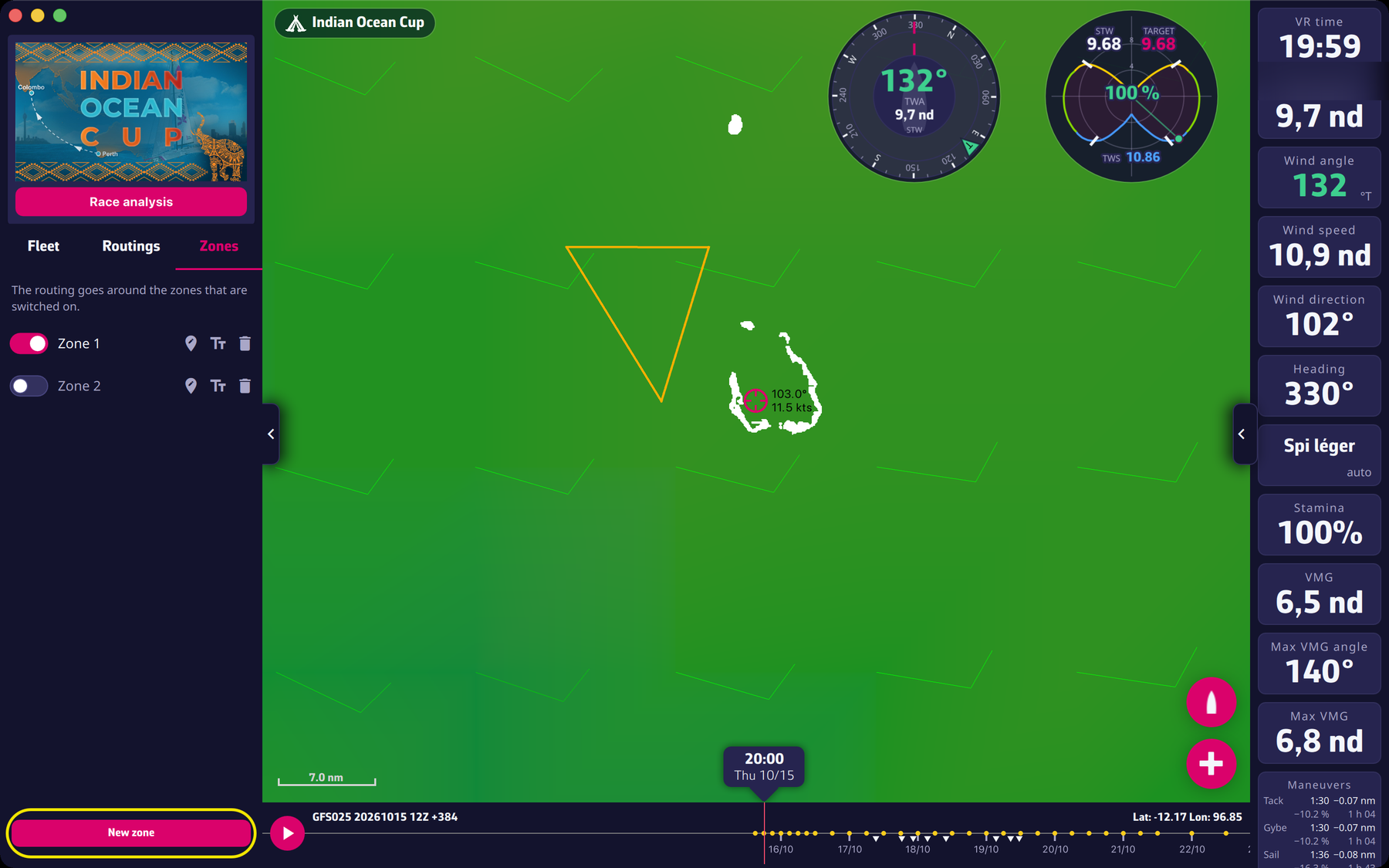
To draw a zone, open the Zones tab and tap “New zone”: tap or click on the map to add points, then finish. Zones belong to each race. The routing goes around the zones that are switched on.
Be aware: it is imperative to avoid sending orders as Wind. Use only Compass or, even better, Waypoints. See the questions about order types in this FAQ. If the option is unchecked, the application reminds you: “Zones are not avoided: the option “Avoid VR and own zones” is unchecked in the Routing menu.”