You need Expert mode and a valid Premium subscription. Open the order editor with a routing’s send button, choose “Manual” in “Order type”, then “TWA” or “COG” with the selector (the Space key alternates them). Move the pointer: a label gives the order that would be placed. Click to add it, repeat for the next orders, then press “Send”.
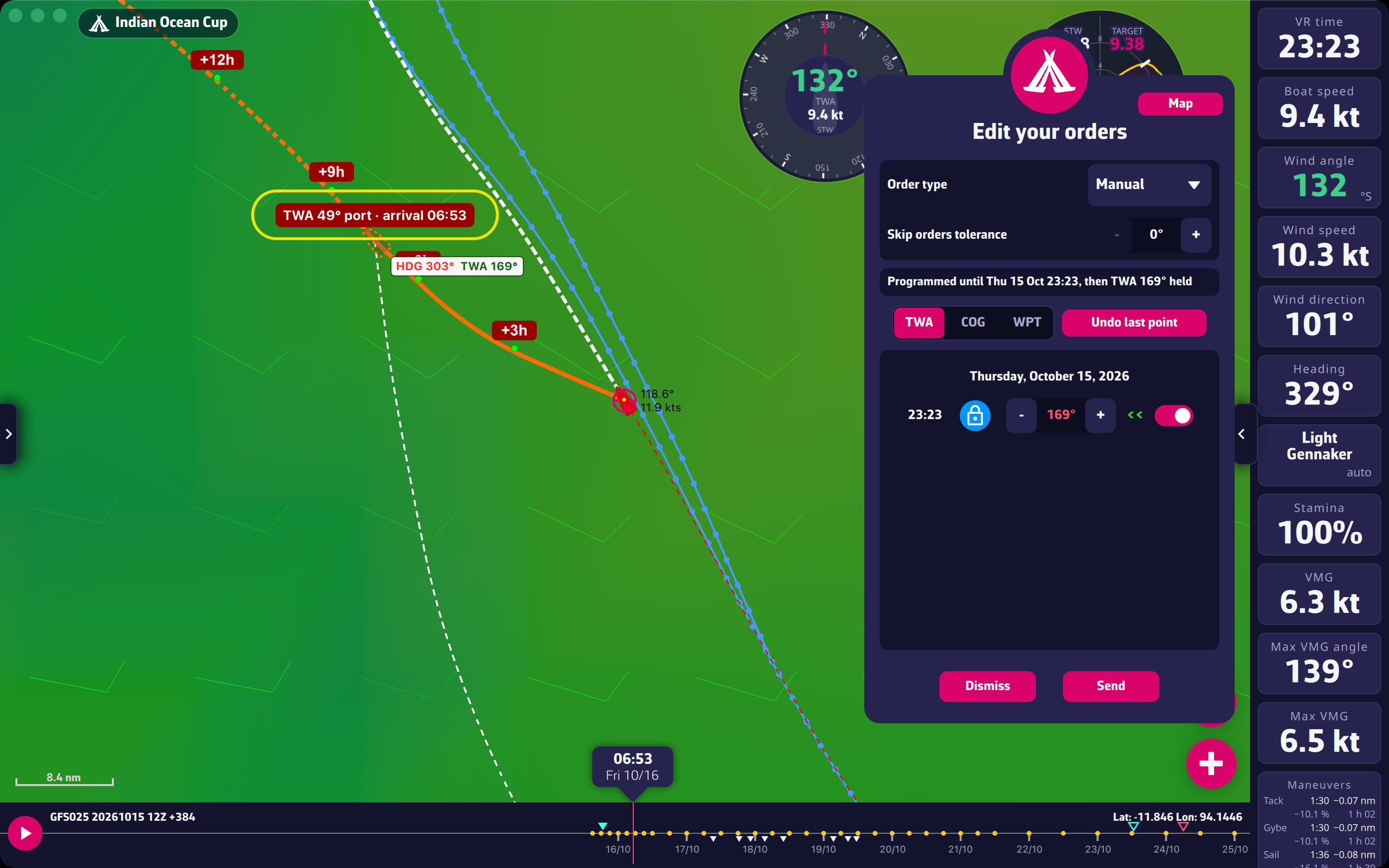
In “Manual” mode, the editor warns if a leg crosses land, ice or an exclusion zone, but does not block the sending: check the line on the map.
Going further: Sending a manual order from the curves.