In the “Edit your orders” window, the “Order type” selector offers five types: Auto, Wind, Compass, Waypoints and Manual. Make sure you turn on “Expert mode” in Settings > Routing to access this window.
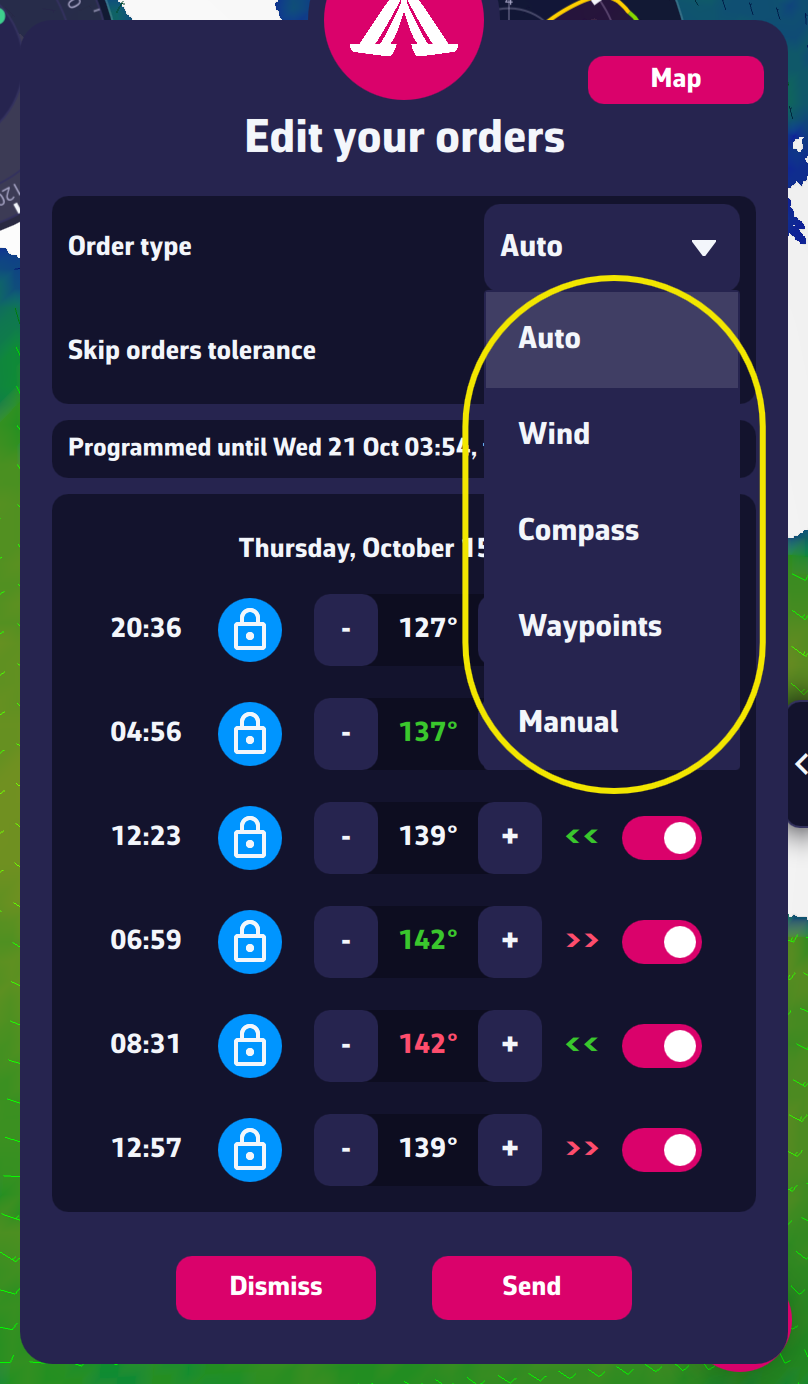
- Auto: the application chooses for you the order type best suited to the conditions encountered. For example, it sends waypoints near a coastline or an exclusion zone.
- Wind: the angle between the boat and the wind (TWA) is constant between two orders. In VR, the padlock is closed. This is the preferred type offshore.
- Compass: the heading of the boat is constant between two orders. In VR, the padlock is open. Use it offshore in light, variable winds.
- Waypoints: the boat sails from waypoint to waypoint using their coordinates. This is the preferred type when close to shore.
- Manual: you draw the route yourself on the map. Each point you place sets the order of the leg leading to it. The TWA / COG / WPT selector chooses the order type placed at the next point: constant wind angle (TWA), constant heading (COG) or waypoint (WPT). “Undo last point” removes the last point placed. The game takes either orders or waypoints: switching from one to the other removes, after confirmation, the points already placed.
The “Mixed” type of earlier versions no longer exists: “Auto” now makes the choice.
Read also “How to read a line from the order editor” in this FAQ.
To go further: Orders.