The "Race analysis" button
BeginnerThe essentials
Under the race picture, at the top of the left panel, the app shows a “Race analysis” button when the website has an analysis of the race that is open. One tap opens it in your browser, in the language of the app:
- for an ordinary race, the Options advisor page;
- for a record, the Best starts for records page.
The page opens already on your race.
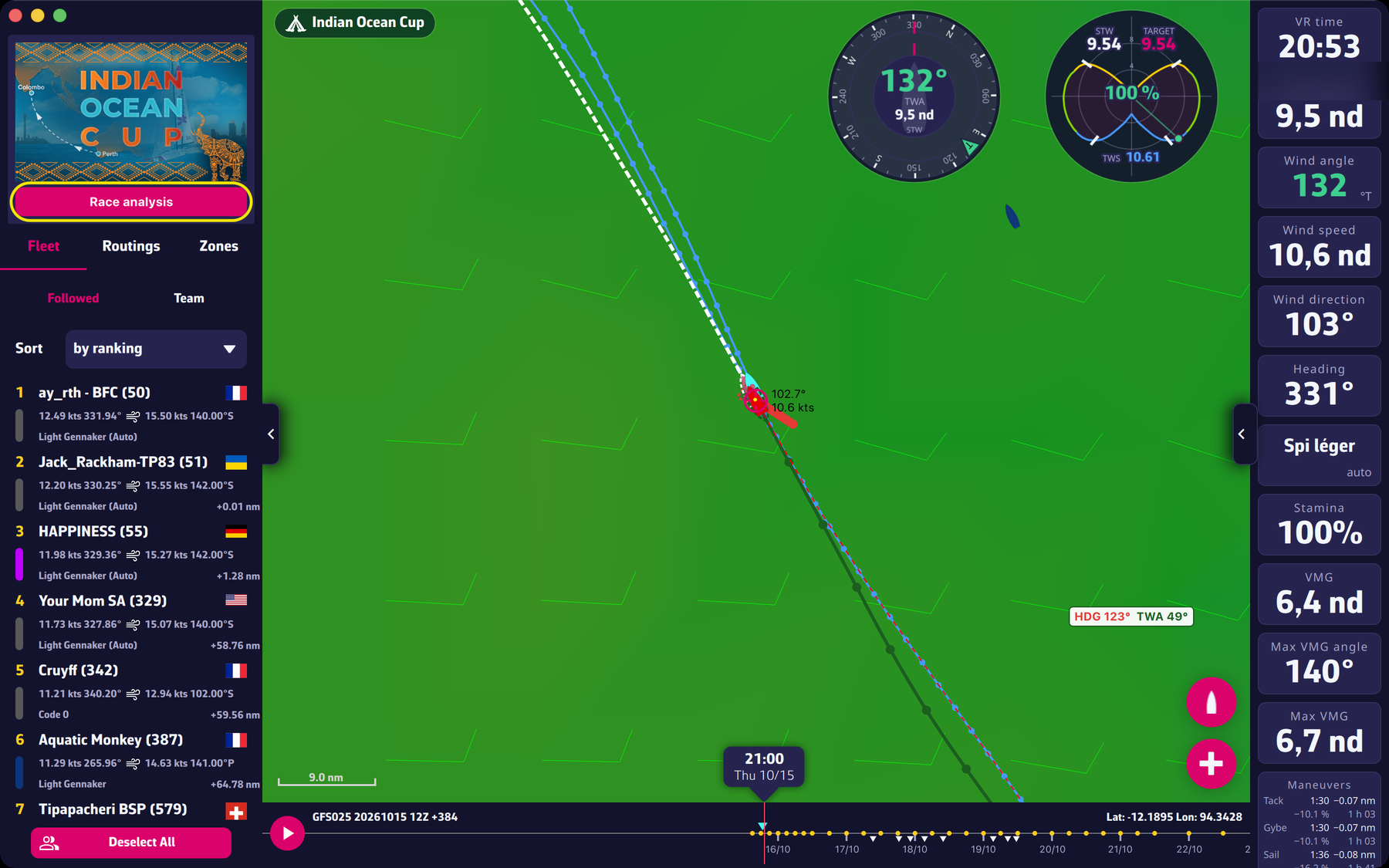 The Race analysis button under the race picture
Going further
- No button? This is not a fault: there is simply no analysis published for this race.
- Updating. The app reads the list of available analyses again every hour, and at launch. A newly published analysis can therefore take up to an hour to bring the button up.
- One calculation a day. The analyses are redone once a day on the 00 UTC run of the GFS model, the American weather model used by Virtual Regatta. A “run” is an edition of the model: several come out each day.
- The calculations are not yours. The analyses use the eSail4VR routing engine with the boat and the weather of the game, but not your position or your options. To route your own boat, use the app.
- Other pages. The weather briefing and the polars are website pages with no menu: the app has no button towards them, you reach them through a link.