Logging in with your Virtual Regatta account
BeginnerThe essentials
eSail4VR has no account of its own: you use your Virtual Regatta (VR) account, the one from the game. At first launch, after the downloads it asks for, the “Connection” window opens: “Please enter the credentials of your Virtual Regatta account”.
- Type your address in the “email” field (the app converts it to lower case).
- Type your “password”.
- Tap “Log in” (or press Enter in the password field).
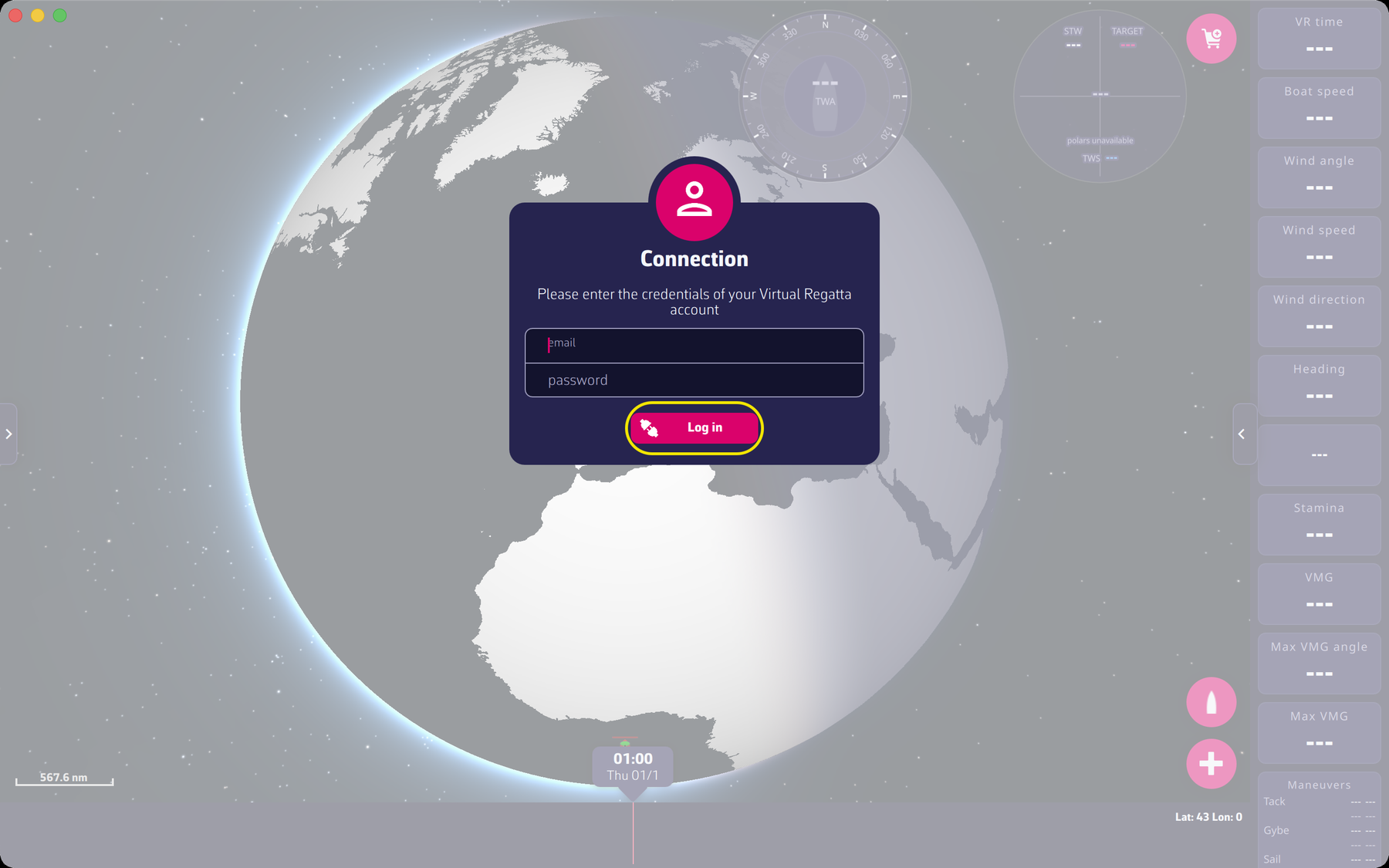 The Connection window
If the login succeeds, the app loads your profile and opens the race selector (see Choosing your race). At later launches the window no longer opens: the address and password are remembered by the app.
Going further
Error messages. If the login fails, the app shows one of these messages, then reopens the “Connection” window when you tap “Dismiss”:
- “Your account is not recognized. Your account might been locked, please try to reset your password from the Virtual Regatta application”: wrong address or password, or unknown account;
- “Your account has been locked, please reset your password from the Virtual Regatta application”;
- “The Virtual Regatta servers refused the connection (HTTP N). This is a problem on their side, please try again later.”;
- “Cannot reach the Virtual Regatta servers. Please check your internet connection.”, followed by the technical detail;
- “Unknow error” in the other cases.
The password is reset in the Virtual Regatta app, not in eSail4VR. The FAQ covers this case: My Virtual Regatta credentials are not detected.
Switching accounts. Open the settings panel on the right (see The settings panel): the first row shows your player name with the label “Account” (or “VIP account” for a VIP account). Tapping it reopens the “Connection” window. While a routing is being calculated, this row is disabled.
Data used. After login the app reads from VR your profile, your list of races, the polar of your boat, your followed players and your team. It writes to VR only when you send orders (see Orders).