Competitors' positions on the map
BeginnerThe essentials
Every boat of the “Fleet” tab is drawn on the map, oriented along its heading and in the colour the player chose in VR. By default only the icon is visible.
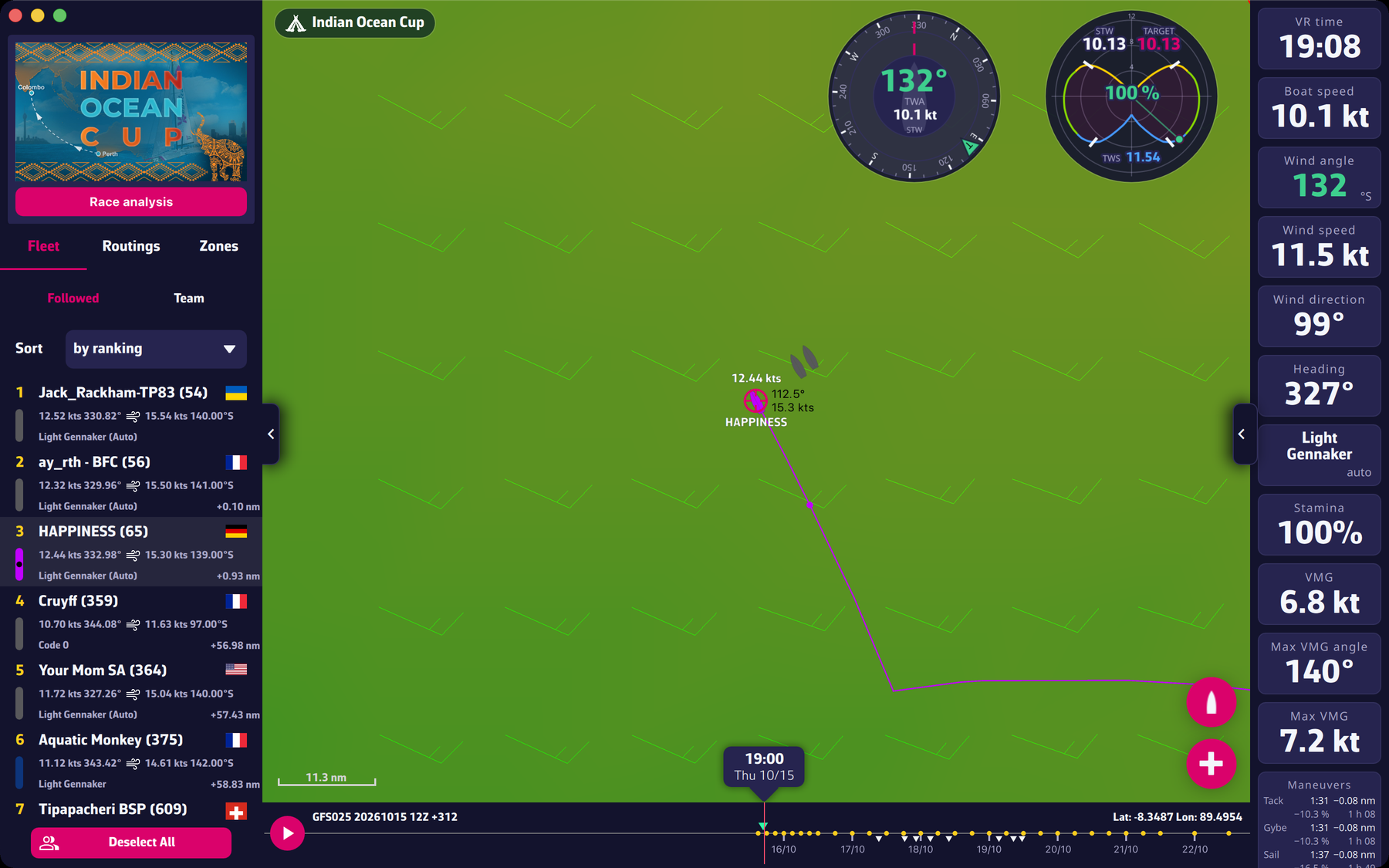 A selected competitor, with name, speed and track
- Selecting a competitor: tap or click their boat on the map, or their row in the “Fleet” tab. Their name and speed show next to the icon and their track is drawn in their colour, up to their current position.
- Deselecting: tap it again, or use “Deselect All” in the “Fleet” tab.
- Calculating their routing: with a Premium subscription, right-click the selected boat (long press on a touch screen). The “Routing to target” window opens: pick the target and tap “Routing”. The calculation starts from the competitor’s position, using the race polar and the state of your own boat (sails, options) placed there.
Going further
Frequency. The app queries VR about once a minute for your boat, your track and the fleet. With a valid subscription, the reading is aligned on the second of the minute at which VR publishes its data; without a subscription it happens every minute from the launch. Competitors’ positions are therefore those of the last reading, not a real-time position.
A position different from the game’s. A gap between what eSail4VR and VR show can come from the moment of the reading (see the FAQ). See the FAQ: My position seems different in eSail4VR than in Virtual Regatta.
Size and remembered selection. The icon size follows the zoom level. The selection is kept from one launch to the next.
A competitor’s routing. The FAQ describes the gestures step by step: Can I route my competitors?. The feature is part of the Premium benefits (“Competitor routing calculation”).