The instruments
BeginnerThe essentials
The instruments show your boat’s data as Virtual Regatta provides it. They line up in a column on the right edge of the screen (as a band at the top when the screen is in portrait). By default the band holds: “VR time”, “Boat speed”, “Wind angle”, “Wind speed”, “Wind direction”, “Heading”, “Sail”, “Stamina”, “VMG”, “Max VMG angle” and “Max VMG”. Off a phone (screen of 7 inches or more), a “Maneuvers” table is added, as well as a “Wind dial” and a “Polar performance” dial placed on the map.
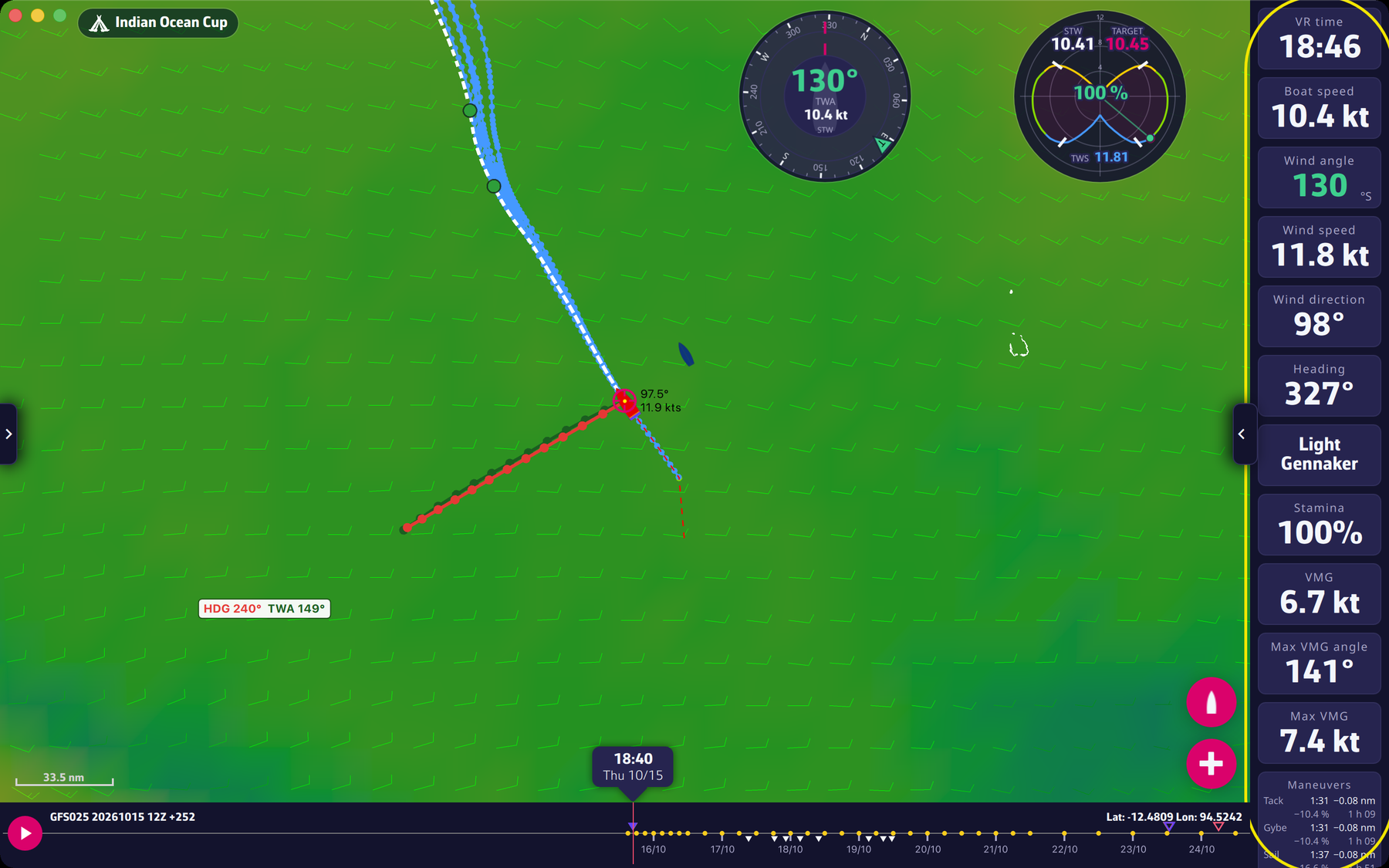 The instruments in their band
Adjusting an instrument. Right-click (or long press on a touch screen) its tile: a window opens with a live preview.
- “Displayed data”: for a “Numeric value” and a “Speedometer”, picks the data.
- “Square tile background”: for round dials, keeps a square background once placed on the map.
- “Delete” (with confirmation) and “Close”.
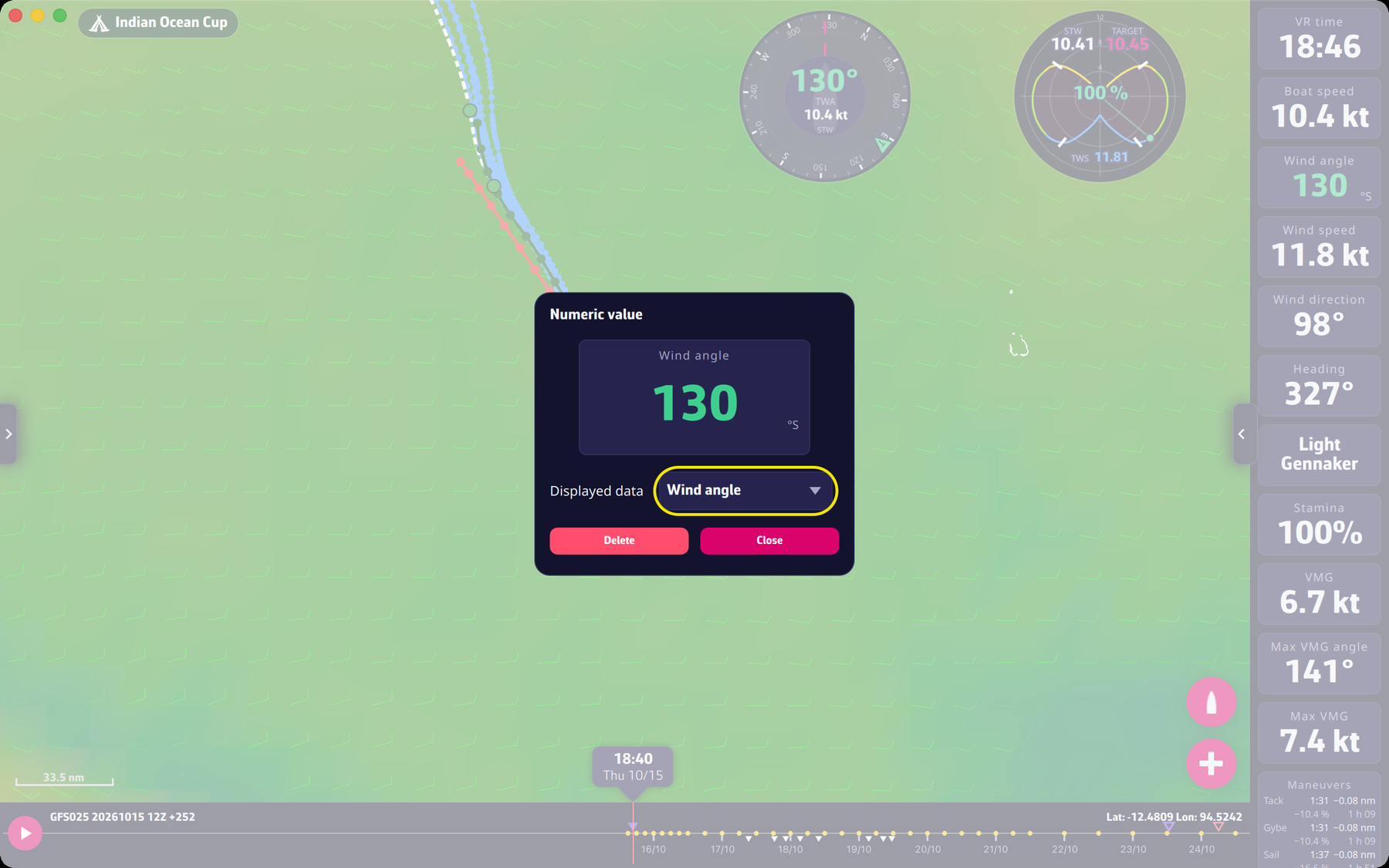 The instrument settings window
Adding an instrument. Open the settings panel (right tab) and tap “Instruments”: the “Add instrument” window shows the available types, with the number of copies already placed. Tap a type, then “Add to instrument bar” or “Add to chart”. “Reset” restores the default layout.
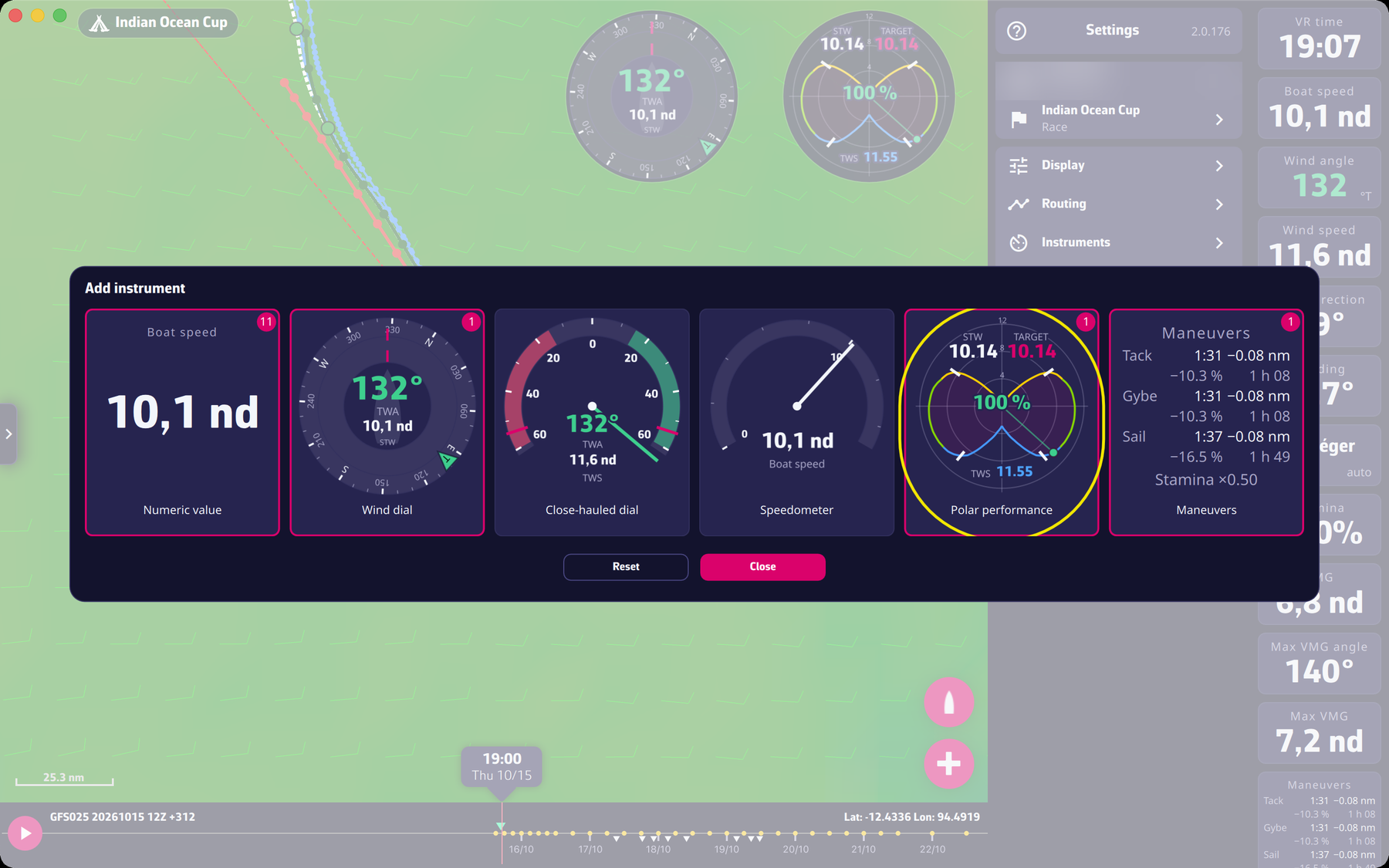 The Add instrument window
Arranging. Drag a tile along the band to change its order. On a touch screen, a long press “lifts” it first.
Going further
The instrument types. “Numeric value”, “Wind dial”, “Close-hauled dial”, “Speedometer”, “Polar performance” and “Maneuvers” (the cost of a tack, a gybe and a sail change, with the “Stamina factor”).
The available data. “VR time”, “Boat speed”, “Heading”, “Wind speed”, “Wind angle”, “Wind direction”, “VMG”, “Stamina”, “Sail”, “Max VMG angle”, “Max VMG”, “% of polar”, “Sail range” and “Stamina factor”. Only the data the game provides is offered: no apparent wind, depth or current. VMG (Velocity Made Good) is the speed of approach towards the wind or away from it; “Max VMG” is the best VMG of the polar for the current wind, upwind if the wind angle is below 90°, downwind otherwise.
Detaching onto the map. Drag a tile out of the band: it becomes floating. Move it wherever you like; the bottom right corner resizes it (minimum size 90). Drag it back onto the band to put it away.
Band size. The width of the column (height of the band in portrait) is set by dragging its edge; on a touch screen, a discreet grip does this. It is limited to 40% of the screen.
Memory. The layout is kept from one launch to the next.
The polar. The “Polar” row of the settings panel opens the boat polar window (see Settings).