The timeline and playback
BeginnerThe essentials
The timeline is the time axis at the bottom of the screen. It drives the forecast time shown on the map: wind, routings and the projected boat position follow the cursor.
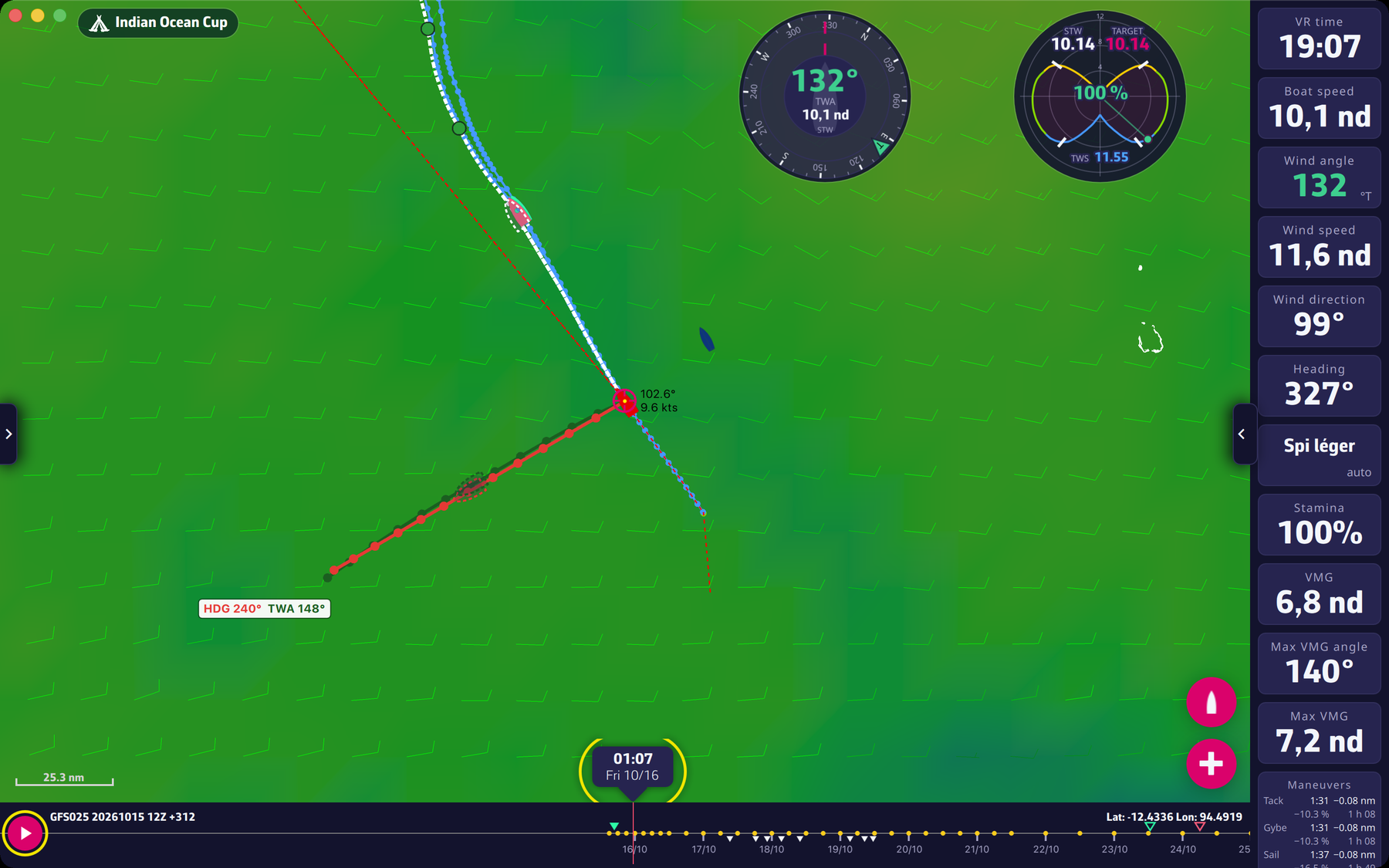 The timeline with its markers
- The cursor is the thin red vertical line in the middle of the axis: it is the time displayed.
- Scrolling: drag the axis with your finger or the mouse, or use the wheel. The time changes continuously.
- Jumping to a moment: tap or click a point of the axis; the display glides there, rounded to the full hour.
- Playback: the round button on the left starts an automatic scroll, which loops. Touching the axis or dragging it stops it, as does the pause button.
- Back to now: tap the time bubble at the bottom centre of the map. While it shows the current time it also shows seconds (“HH:mm:ss”) and follows the clock.
Going further
Playback length. Playback runs over the time span covered by the routings displayed on the map, in about 30 seconds; if there are none, it runs over the whole forecast. At the end it starts again from the beginning.
The axis markers.
- A day/month date is written at each day.
- The small yellow dots mark the steps of the weather forecast.
- For each routing displayed, a filled triangle above the axis marks its start and a hollow triangle its end, in the colour of the routing.
- Under the axis, the manoeuvres of the orders the boat holds: a triangle pointing up for a tack, down for a gybe, and a square in the colour of the new sail for a sail change.
- An orange line on the axis, with a “!” sign, marks a period where the sails are held by hand: the auto sails need to be switched off.
The texts around the axis. Top left, the identifier of the forecast displayed (for example “GFS025 20241209 06Z +384”, see How are winds calculated). Top right, the coordinates of the centre of the map.
On a phone and small tablet in landscape. The timeline becomes a column on one side of the screen, the future pointing up, and the displayed time is written at the top of the column; tapping it goes back to now. On a touch screen the timeline grows while you handle it, then returns to its size two seconds after.