Routing settings
BeginnerThe essentials
Settings > “Routing” starts with two settings open to everyone, then the Expert mode switch.
| Setting | Choice | Default | Effect |
|---|---|---|---|
| “Frame the first 24 h after routing” | switch | on | once the orders are sent, the map frames the first 24 hours of the route VR will sail, at the current time; failing that, the boat alone |
| “Route wind barb density” | 0 to 100 %, by 10 | 100 % | share of wind barbs drawn along a route. The landmarks (departure, arrival, tacks) always stay; at 0 %, there are none |
| “Expert mode” | switch | off | opens the fine calculation settings (Premium) |
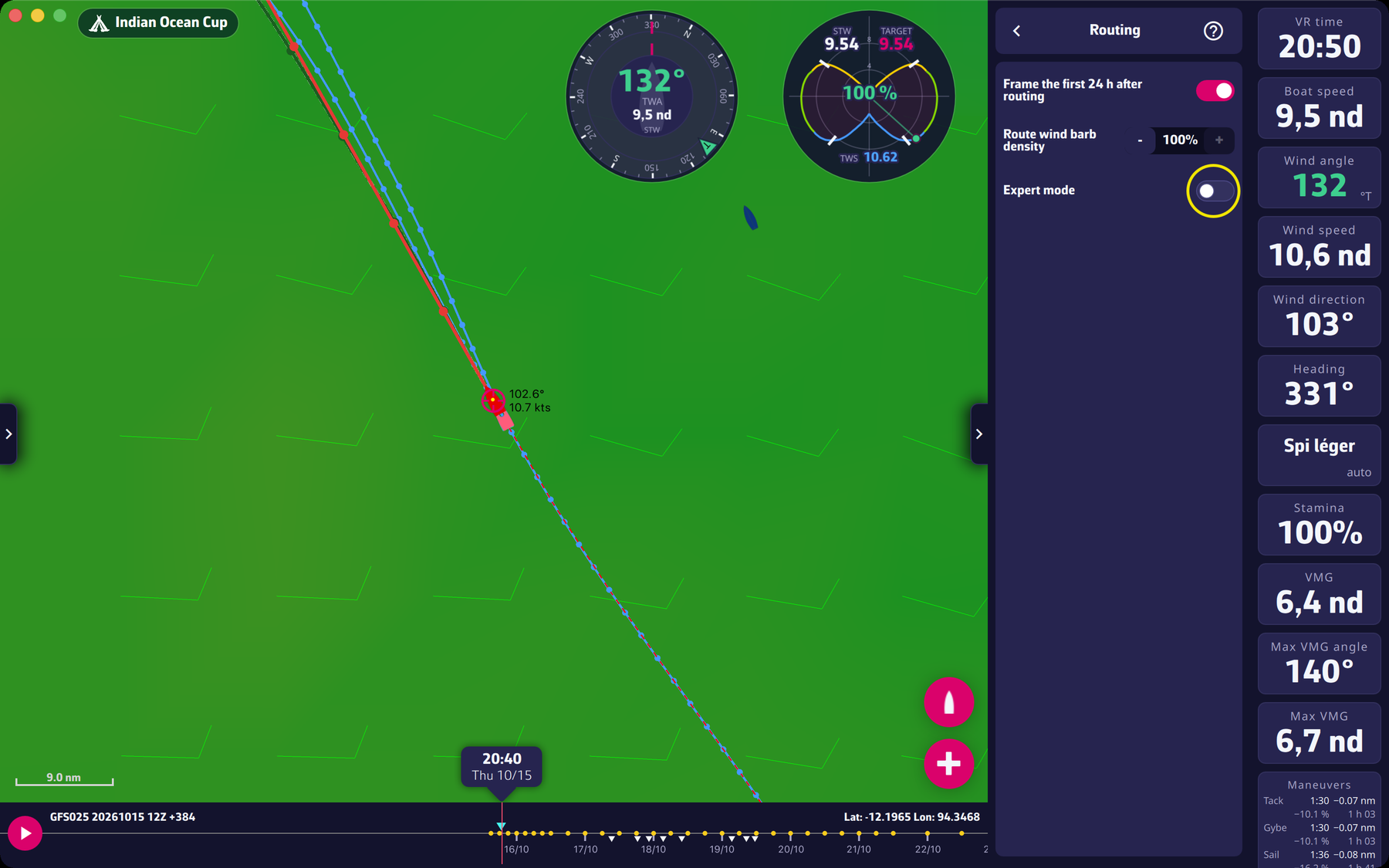 The “Routing” page of the settings drawer
Going further
Expert mode. The switch needs a valid Premium subscription; without one, a window offers you to subscribe. Once on, it unrolls the following settings under it, detailed in the Expert mode chapter:
| Setting | Guide page |
|---|---|
| “Max duration”, “Sweep angle”, “Step angle” | duration and search |
| “Anti-grounding safety pixel” | safety pixel |
| “Avoid VR and own zones”, “Polish the first 48 hours only” | zones and polishing |
| “Isochrone < 2 h” to “Further isochrones” | isochrone steps |
| “Reset routing parameters to default” | turning on Expert mode |
Framing after a routing. The framing only happens once the orders are sent to VR, not at the end of the calculation.
Route barbs. This setting applies to all the routes drawn. Lower it to lighten a crowded line; it changes nothing in the calculation.