Contact support
BeginnerThe essentials
In the app: settings panel > “Contact us”.
- On a computer, the “Method” field chooses how the message is written: “Mail” (your mail application) or “Gmail” (in the browser). On a phone or tablet, it is always the mail application.
- The “Send a mail to support” button prepares the message. The log of the app is sent to our support server and the message carries its reference: there is nothing to attach.
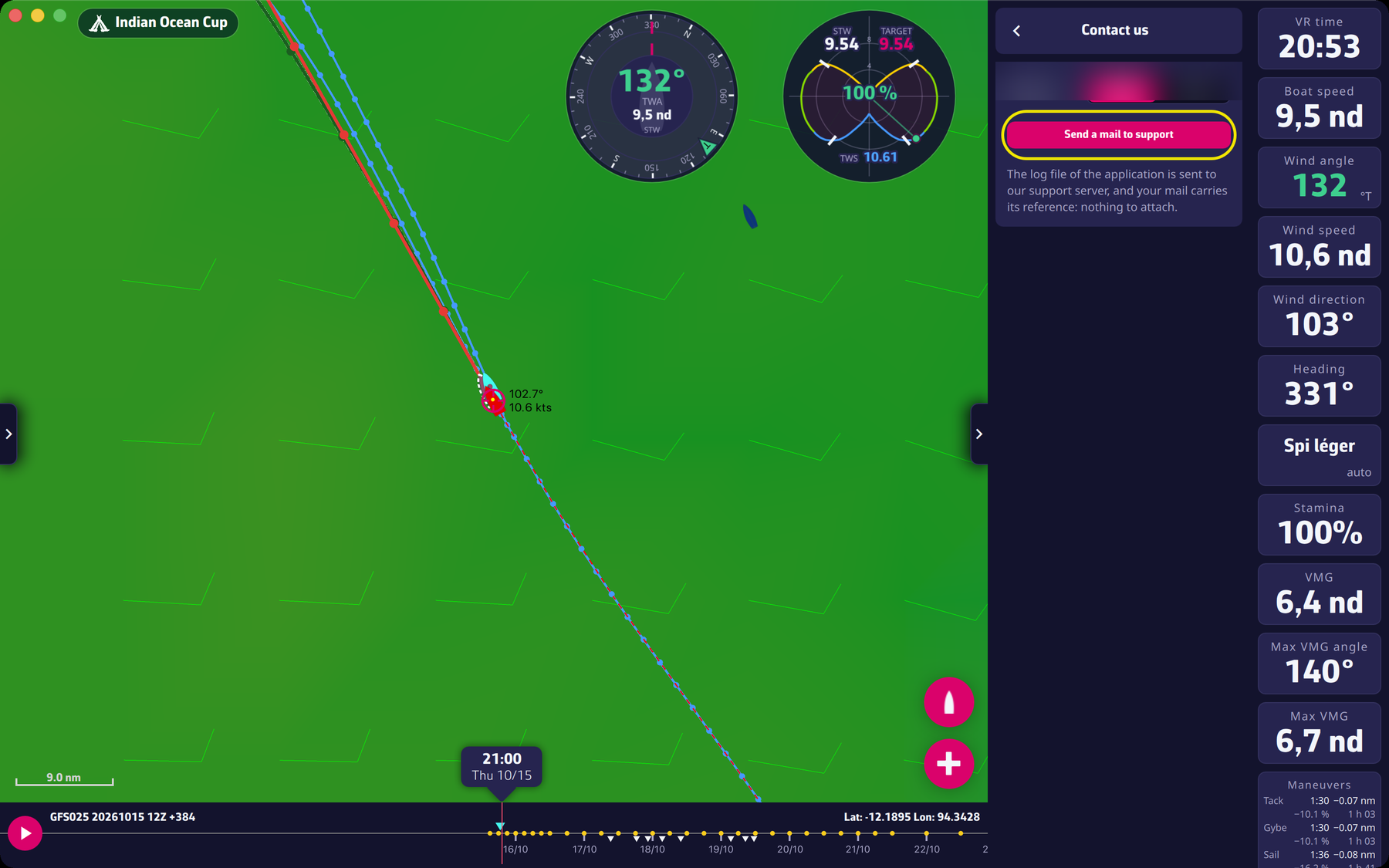 The Contact us screen
In the message, say what you were doing, the race concerned, the time, and the exact text of the error message.
Going further
- Before writing. In “About”, “Frequently asked questions” opens the FAQ of the website and “Read the blog” the blog: the answer is often there.
- From the website. A contact form is also available.
- Without the app. If the app does not start, use the form on the website, giving your device and its system version.
- Password. Never send your Virtual Regatta password.