Error messages
BeginnerThe essentials
When a routing cannot start or stops before the target, the app shows a message. A partial routing is a routing that stopped before reaching the target: the route shown goes as far as the calculation could. Here are the most common messages.
The routing does not start
- “The last boat position received from VR is more than 10 minutes old. Please, wait for a position refresh before making a routing calculation.”: the app has no recent position. Wait, and check that the time of your device is set to “automatic”.
- “It looks like you have not received the boat position from VR yet.”: the position has not arrived. Wait a moment.
- “The boat data from VR is not available yet.” and “The boat polar is not available yet.”: loading is not finished. Wait and try again.
- “Routing impossible as it starts after the end of the weather forecast”: the latest weather is not loaded. See Weather is late.
- “The routing failed as your boat is grounded. Please refloat your boat in VR and then come back to eSail4VR”: refloat it in Virtual Regatta.
- “The routing failed as your boat is too close to shore.”: move the boat away from the coast in VR, or uncheck “Anti-grounding safety pixel” in the settings.
The target is the problem
- “The routing target is on land. Please move your routing target at sea.”
- “The routing target is too close to land.”: move the target away, or uncheck “Anti-grounding safety pixel”.
- “The routing target is inside a zone to avoid.”: move the target out of the zone, or move or switch off the zone.
- “The routing target is too close to the boat (less than one isochrone step, N min). Please move the target farther away.”
The routing stops on the way
- “The routing stopped at its maximum duration (N d) without reaching the target.”: increase “Max duration” in the Routing menu, or bring the target closer.
- “The routing stopped at the end of the weather forecast without reaching the target.”: the target is too far for the length of the forecast. Bring it closer.
- “The routing stopped because the boat no longer gets closer to the target. The route shown goes as far as it could.”: on a long routing the isochrones get too far apart at the end. Place a pivot point to refine the end.
- “The routing could not reach the target: no valid path is left.”: the boat may be enclosed by land, ice limits or exclusion zones.
- “The routing stopped because no isochrone could be calculated.” and “The routing is stuck at mark N of the course…”: see A routing that does not start and Stuck at a mark.
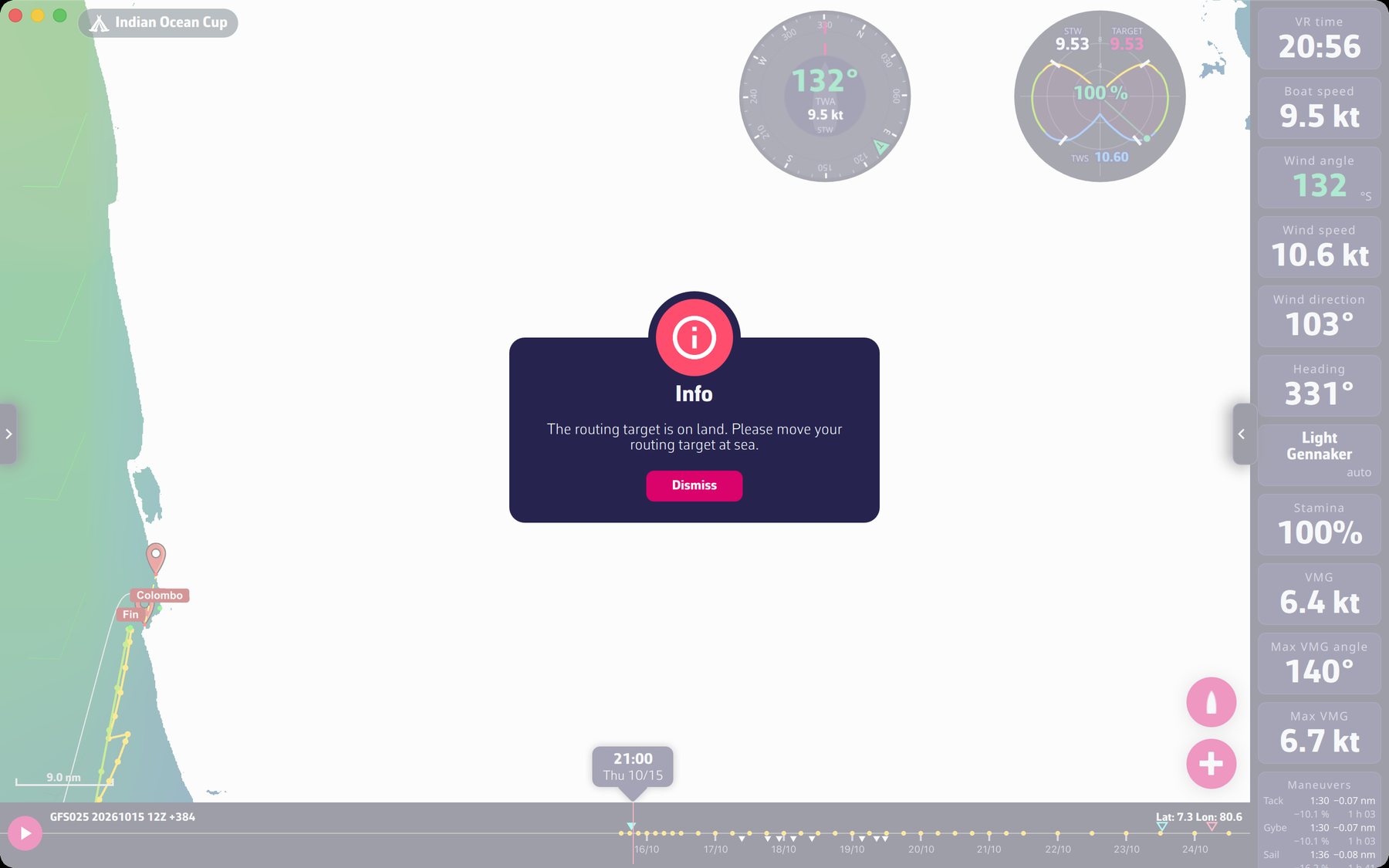 A routing error message
Going further
- Sending the orders blocked. “Sending is blocked: a leg (N) crosses land, ice or an exclusion zone”: the app refuses to send orders when one leg crosses land, ice or a zone. Correct the route or the orders.
- Safety pixel unchecked. The message “You have unchecked the anti-grounding safety pixel option. A point in the routing path is within this one pixel from land…” is a warning: even with waypoints, running aground is not ruled out.
- Zones not avoided. “Zones are not avoided: the option “Avoid VR and own zones” is unchecked in the Routing menu.”: the routing ignores zones as long as this option is unchecked.
- Position too old when sending. If the routing is more than a few minutes old, the app asks “Send the orders to VR anyway?” and recalls the age of the boat position used. Calculating the routing again is safer.