The weather file (GRIB) of the application
BeginnerThe essentials
The wind you see on the map, and the wind the routing uses, come from a GRIB file: the standard format for weather forecasts, a grid of wind values for each forecast time. eSail4VR downloads this file by itself.
- The model is GFS, the global forecast of the NOAA (the US weather service). Depending on the race, the grid is 1.00° or 0.25°.
- The file is prepared for your race and your leg, not for the whole world.
- The file identifier is shown at the top left of the timeline, for example
GFS025 20241209 06Z +384. - To force an update: “Settings” > “Display” > “Reload weather forecast”, the button at the right of the row.
- On the first download, the application asks: “The application needs to download the weather data for your routing (file size: … MB). Do you allow this download?”. While it downloads, it shows “Downloading weather data…”.
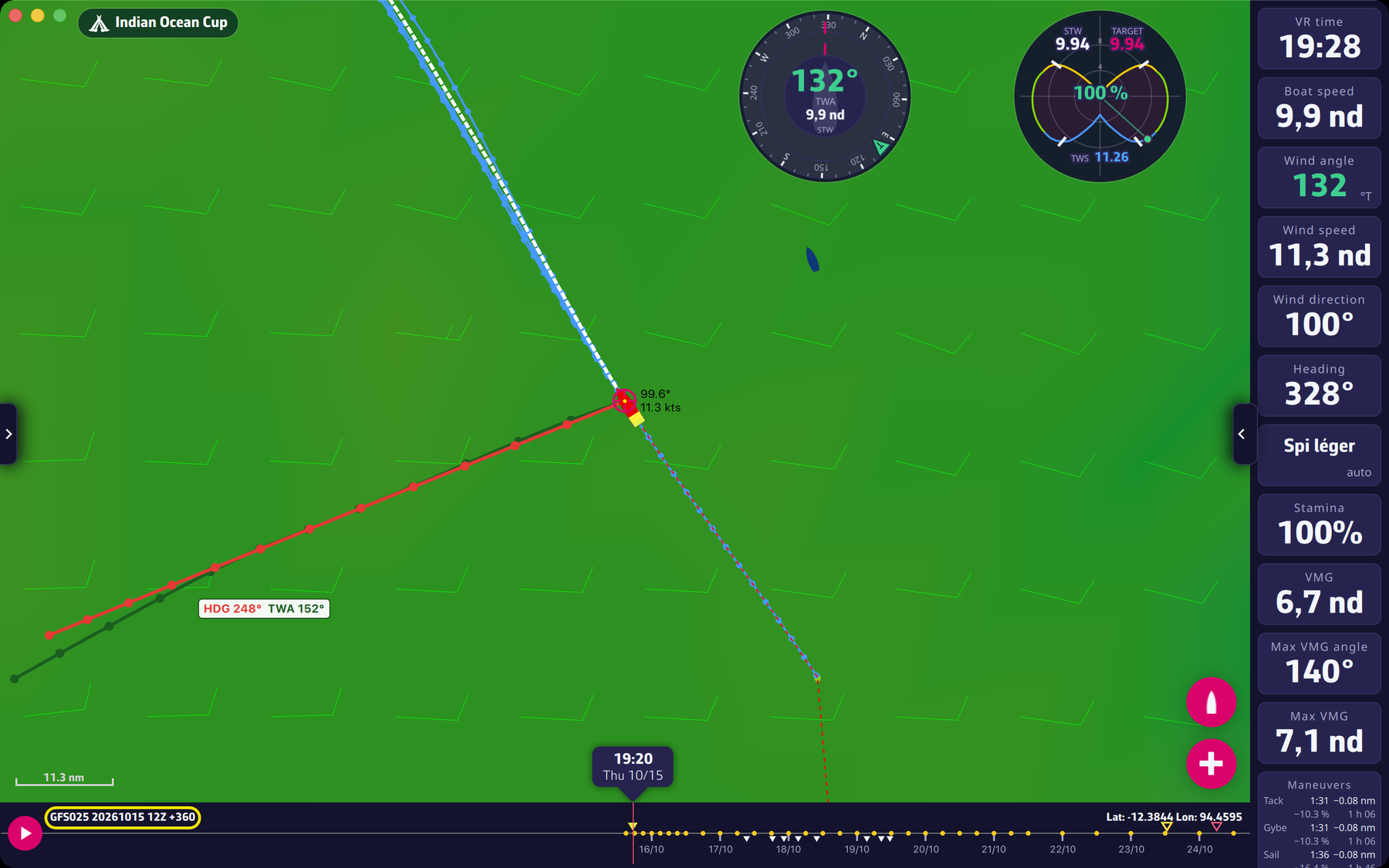 File identifier at the top left of the timeline
Going further
Reading the identifier. In GFS025 20241209 06Z +384: GFS025 is the model and its resolution (0.25°), 20241209 the date of the run, 06Z the time of the run in UTC (the “Z” stands for UTC), +384 the number of forecast hours covered. One file actually combines several successive runs: see How the wind is computed.
When the application checks the weather. It compares the identifier of the file it holds with the server’s when the leg changes and before each routing calculation. It only downloads when a new run is available, or when you press “Reload weather forecast”.
Which grid. For races whose VR data announce fine winds, the application takes the 0.25° grid (name GFS025); otherwise the 1.00° grid (GFS100). Choosing the model by hand is not offered in the interface.
Without a Premium subscription. Without a valid subscription, the application downloads a version of the forecast limited to 5 days (“5d” files), and the model name is followed by a colon in the identifier (“GFS025: …”). Beyond that, a routing stops at the end of the forecast (see Running a routing).
Where the file comes from. The application fetches it from the eSail4VR servers, which relay the GFS forecast published by the NOAA. Update times and possible delays are described in Update times and delays.